How to Reduce AWS and GCP Costs: 9 Practical Ways
Practical ways to reduce AWS and GCP costs without slowing your team down: rightsizing, idle resources, storage tiers, and billing habits that stick.
 Talha Javed7 min read
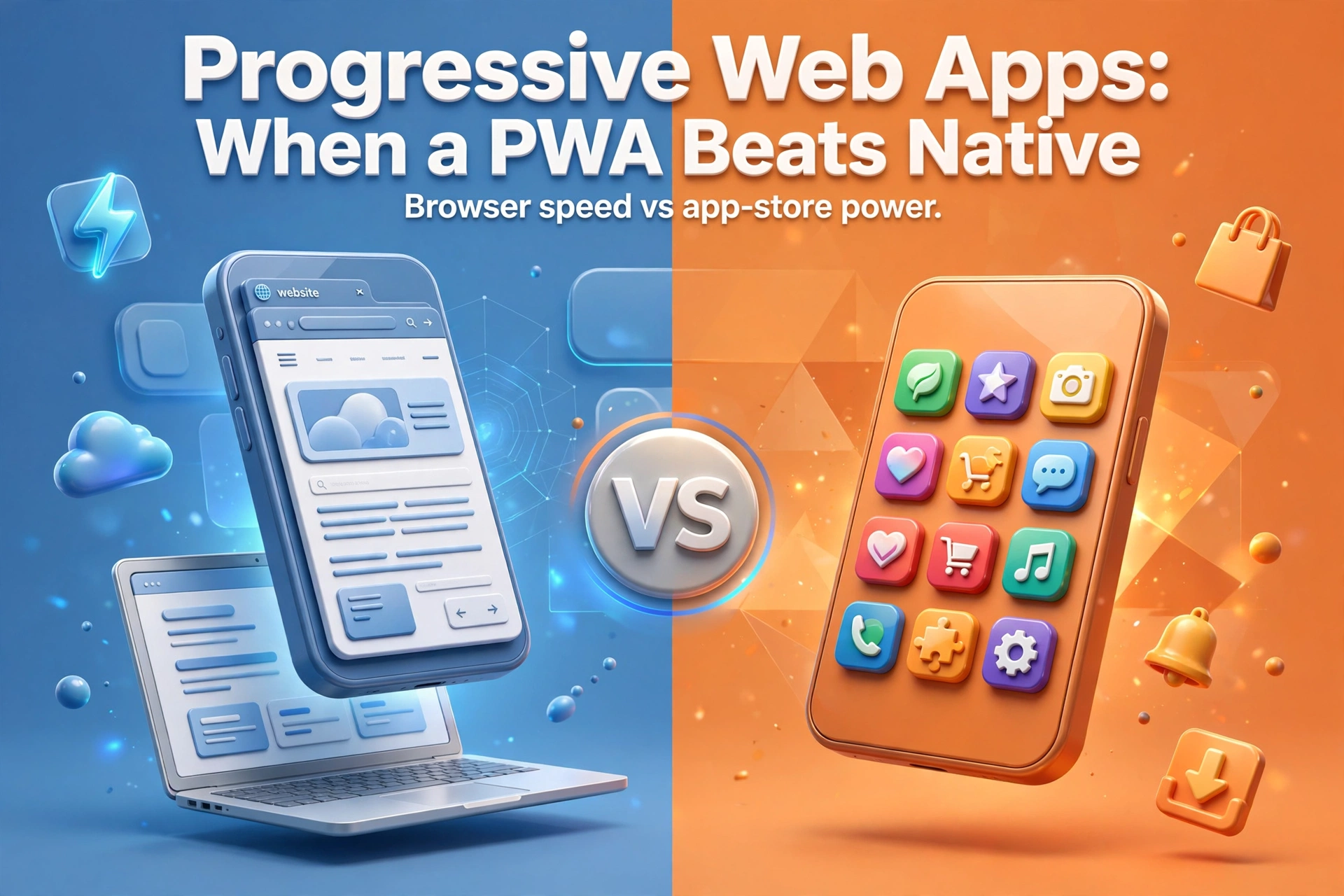
You have a product idea, a budget, and a question that will shape the next year of work: should this be a native app, or can a progressive web app vs native comparison save you months of effort? The short answer is that a progressive web app, usually shortened to PWA, is the right call more often than most app agencies will admit, but not always. This guide explains what a PWA actually is, where it beats a native app outright, where it still falls short, and how to decide for your product without guessing.
A PWA is a website built to behave like an app. You open it in a browser, but it can also be installed on a phone’s home screen, it can work offline, and it can send push notifications. There is no download from an app store and no separate codebase for each platform. One build serves your desktop visitors, your Android users, and your iPhone users.
Three pieces of technology make that possible. A manifest file tells the device the app’s name and icon, so an installed PWA looks like any other app on the home screen. A service worker, a small script that runs in the background, caches content so the app loads fast and keeps working when the connection drops. And modern browser APIs give web apps access to the camera, geolocation, payments, and increasingly push notifications.
Large companies have shipped PWAs for years for exactly the reason a startup should care about: one team, one codebase, every device.
A native route typically means two apps, one for iOS, one for Android, plus a website if you want desktop users at all. That is three surfaces to design, build, test, and maintain. A PWA is one surface. A fix ships once. A new feature ships once.
Publishing a native app means review queues and store rules that can delay a launch by days or weeks, and updates go through the same gate. A PWA ships the moment you deploy it. You fix a bug on Tuesday morning and every user has the fix on Tuesday morning, with no update to download and no review to wait for. For a product that changes fast, instant deployment is a genuine advantage.
A native app lives behind a store listing. A PWA lives on the web, so every screen can have a link, search engines can index your content, and a user can share a product or booking page with a tap. If your growth depends on people discovering you through search or sharing what they found, this matters enormously.
Building natively means paying for two platforms, and maintaining them means paying for two platforms forever. In our experience, a PWA typically costs meaningfully less to build than the equivalent pair of native apps, and the gap grows over time, because every future feature, redesign, and bug fix is done once instead of twice. Scope decides price in every project, but one codebase versus two is simple arithmetic.
A PWA runs anywhere with a modern browser: a cheap Android phone, a tablet, a Chromebook, a desktop in an office.
If your product leans heavily on Bluetooth accessories, advanced camera processing, augmented reality, or intensive background processing, think a fitness tracker recording a run with the screen off, native APIs still go further than the web. Browser capabilities improve every year, but a product built around hardware integration should still be native, or at least have its hardware-heavy parts built natively.
Push notifications are the classic PWA caveat. On Android, web push works well. On iPhones, Apple supported web push for installed web apps much later than Android did, and it still carries limits: the user must install the app to the home screen first, and notification behaviour is not identical to a native app’s. If timely notifications are core to your product, test this on real iPhones before committing to a PWA.
Some users only look for apps in the store. Some businesses need the credibility of a store listing, or need in-app purchases through the store’s payment system. A PWA cannot appear in app-store search results, and it cannot use the store’s billing. If your acquisition strategy is built on store search, or your users expect to pay through the store, that is a real argument for native.
High-performance games and graphics-intensive tools still belong in native code. The web can run impressive graphics, but a game pushing a device’s GPU will run smoother and more predictably as a native app. If frame rates are your product, do not build it as a PWA.
A service worker can cache the app’s shell and the content a user has already opened, so a previously visited catalogue, a saved article, or a drafted form can be available without a connection. What it cannot do is fetch content the user has never opened, or sync data that needs a server, until the connection returns.
For most business apps, booking tools, catalogues, dashboards, content products, that is plenty. Users in patchy coverage, on trains, or in warehouses can keep working and sync when they are back online. The right question is not “does it work offline?” but “which parts need to work offline, and for how long?” For a product that must work fully offline from first use, with large local datasets, native storage options are still stronger.
If your answers split down the middle, you have a third option many teams miss: start with a PWA and go native later. A PWA validates the product, builds the audience, and proves the business model at a lower cost. If the product later needs native capabilities, the web codebase, the API, and the design system all carry over. Starting web-first is not a dead end; it is a cheaper way to learn what your users actually need.
It is also worth comparing a PWA against the other cross-platform routes before deciding. Our Next.js vs Flutter Web comparison looks at the two most common ways teams build for the web and mobile from shared code, and a PWA often sits naturally alongside either of them. If you are weighing this decision for a real product, our services page outlines how we approach web and mobile builds.
Yes. On both Android and iOS, a user can add a PWA to their home screen, where it gets an icon and opens full-screen like a native app. On Android the browser can also prompt the user to install it; on iOS the user installs it from the browser’s share menu.
For typical business apps, users will not notice a difference, and a well-cached PWA can feel faster on repeat visits. For graphics-heavy games and intensive media processing, native still has the edge.
Yes, with the caveats noted above: push notifications require the app to be installed to the home screen, and some newer device APIs arrive on iOS later than on Android. For most business products those limits are manageable, but test notification flows on real iPhones before launch.
Yes, and this is a common path. The backend, the API, and the design work all carry over, and the PWA keeps serving users while the native app is built. Many teams treat the PWA as the first version and native as a later, evidence-backed upgrade rather than a starting gamble.
A PWA beats native when reach, speed of iteration, and cost matter more than deep hardware access and store presence, which, for most business products, is most of the time. It loses when the product is built around the device itself: games, hardware accessories, and background-heavy tools. Choose based on what your product does, not on what sounds most impressive in a pitch meeting, and remember that starting with a PWA keeps the native option open.
If you are deciding between a PWA, a native app, or something in between, book a free strategy call and tell us what your product needs to do. We will give you an honest recommendation and a price range within 24 hours, whether or not you end up building with us.
More from the studio.
Practical ways to reduce AWS and GCP costs without slowing your team down: rightsizing, idle resources, storage tiers, and billing habits that stick.
Talha Javed7 min readPostgreSQL vs Firebase: which database fits your app? Compare data models, scaling, pricing and vendor lock-in, and pick the right foundation for your product.
Talha Javed7 min readAn AI booking assistant can handle appointments, reminders and reschedules for clinics and salons 24/7. How it works, what it costs, and what to get right.
Talha Javed7 min readA free 30-minute call with a senior engineer. You leave with a plan and a price range, whether or not you hire us.