REST vs GraphQL in 2026: A Practical Decision Guide
REST vs GraphQL explained for founders: what each API style does well, where it costs you, and how to choose the right one for your product in 2026.
 Talha Javed7 min read
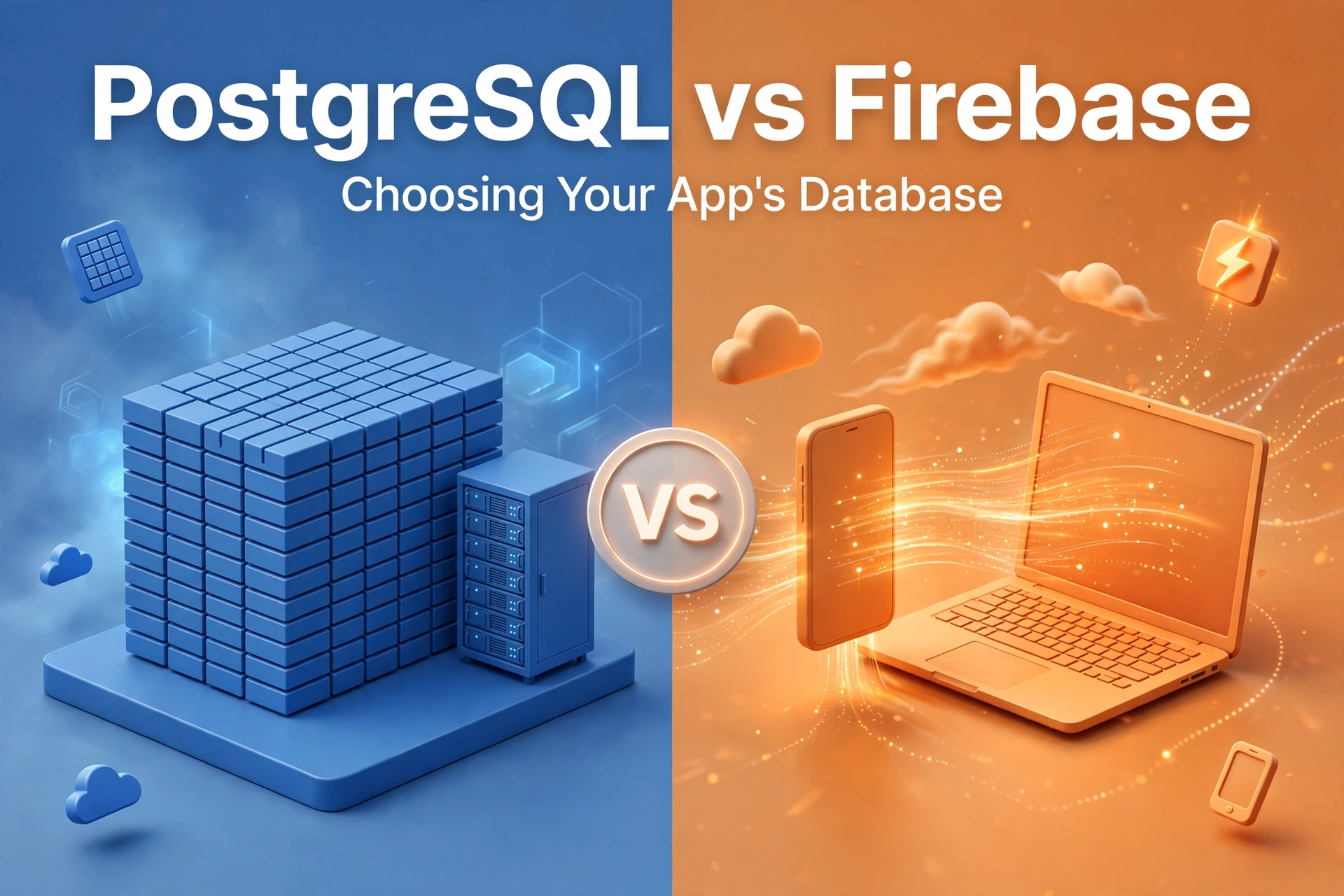
You are planning an app, and sooner or later someone asks the question that shapes everything else: where does the data live? If you have narrowed it down to two names, you are probably weighing PostgreSQL vs Firebase. This guide lays out what each option actually is, where each one earns its keep, and the trade-offs that only show up months after launch, so you can choose with your eyes open.
Here is the short version, up front: PostgreSQL is a relational database you control in detail. Firebase is a managed platform that bundles a database with authentication, hosting, and realtime sync. Neither is better in the abstract. The right choice depends on what your app does, how it will grow, and how much operational work your team wants to own.
PostgreSQL, usually shortened to Postgres, is an open-source relational database that has been in serious production use for decades. Your data lives in tables with rows and columns, and tables relate to each other: a customer has many orders, each order has many items. You query it with SQL, which lets you ask complex questions across those relationships in a single statement.
That model shines when your data is connected and your rules are strict. An invoicing system, a booking platform, a marketplace with orders and refunds: these are webs of relationships, and a relational database enforces their integrity. You can declare that an order cannot exist without a customer and that a seat cannot be double-booked, and the database will refuse to violate those rules even when two requests arrive at the same instant.
Postgres is also flexible in ways that surprise first-time users. It handles JSON columns alongside traditional tables, so a mostly-structured product can still store the odd free-form blob. Because it is open source, you can run it anywhere, and nobody can change its pricing on you or retire it.
The price of that control is responsibility. Someone has to set it up, back it up, monitor it, and plan for traffic growth. Managed Postgres services remove much of that burden, but not all of it — and your application still needs a backend: an API layer between your app and the database, handling authentication, validation, and business logic. Postgres does not ship with a login screen or a mobile SDK. You build those, or you hire someone to.
Firebase is not one database. It is a platform from Google, and its database offering most people mean is Cloud Firestore, a document database, alongside the older Realtime Database. Your data lives in collections of documents — roughly, folders of JSON-like records — rather than in tables. A user document might contain their name, their settings, and their recent orders nested right inside it.
The headline feature is realtime sync. When data changes on the server, every connected client updates within moments, without anyone writing polling code or managing websockets. For chat, live dashboards, collaboration, or delivery tracking, that is a genuine superpower, and it works offline too: Firestore caches data on the device, queues writes while the connection is down, and syncs when it returns.
Firebase also bundles the pieces around the database: authentication with email, phone, or social sign-in; file storage; hosting; serverless functions; push notifications; and analytics. For a small team shipping a first version, that bundle is the whole pitch: you can go from an idea to a working app with user accounts and live data without provisioning a single server or writing an API layer. In our experience, that speed is why so many MVPs start on Firebase — and it is a legitimate reason, not a shortcut to be embarrassed about.
The trade-off is that you are building inside someone else’s platform, on their terms. Queries are more limited than SQL: Firestore has no joins, so data that would be one query in Postgres often becomes several reads, or requires duplicating data across documents (denormalization) so each screen can be served from one place. And pricing follows usage — reads, writes, and stored data — so a feature that is cheap at a hundred users can become expensive at a hundred thousand if it reads more than it needs to.
If your app’s core value is keeping connected records correct — orders and inventory, bookings and availability, finances and reporting — Postgres is typically the safer foundation. Complex reporting is the clearest example: answering “which products sold best to returning customers in each region last quarter” is one SQL query against Postgres and a small data pipeline against Firestore. Transactions are the other: when money or inventory moves, you want the database itself to guarantee that either everything updates or nothing does. And because your data lives in a standard format with portable SQL, you can move hosts without rewriting your app — freedom that matters for a product you expect to run for years.
If you need to ship fast, your team is small, and your app’s signature feature is live updates — chat, collaboration, live tracking, social feeds — Firebase gets you there with far less code. The offline support alone can be decisive for apps used on patchy connections. And if you have no backend engineers, Firebase’s bundled auth and hosting let a frontend or mobile team ship a complete product, while traffic spikes are absorbed by Google’s infrastructure rather than a server you sized last quarter.
With Postgres, the hidden cost is engineering time: building and maintaining the API layer, authentication, and operational care. That cost is predictable and mostly flat — it does not grow with every user — but it is real, especially for a small team. Managed hosting trims it considerably.
With Firebase, the hidden cost is usage-shaped. Pricing that looks trivial during development can grow quickly if screens read whole collections instead of single documents, or if a realtime listener stays attached to data nobody is looking at. Good data design and sensible query habits keep it in check, but it requires discipline and monitoring from the start rather than discovering it in an invoice. The other cost is exit: moving off Firebase later means redesigning your data model, not just exporting rows, so treat it as a commitment you make deliberately rather than by default.
The answer usually picks itself:
If you answer in both directions, that is normal, and it leads to the next section.
Yes, and plenty of products do. A common pattern is Firebase handling the realtime, user-facing layer — chat, presence, live updates — while Postgres holds the system of record: orders, billing, and reporting, reached through an API. Another is starting on Firebase for speed and migrating core data to Postgres once the product’s shape is settled. Both work, but both add a seam someone has to maintain, so only split when one side clearly earns it. For most first versions, one database, chosen well, is simpler than two.
Typically, yes — for getting a first version live. Firebase bundles authentication, hosting, and realtime sync, so a small team can ship without building a backend. Postgres requires an API layer and more setup, but its SQL model is easier to reason about once your data gets relational.
Firebase powers large production apps; it is not MVP-only. The question is fit, not size. Apps with heavy reporting or strict relational rules tend to outgrow a document model, while realtime apps can scale on Firebase for a long time.
PostgreSQL itself is open-source and free to use. What you pay for is hosting — a server, a managed service, or a cloud instance — plus the engineering time to run it.
You can, but plan for a redesign, not a simple export. Document data usually needs reshaping into tables, queries need rewriting in SQL, and realtime features need rebuilding. Budget for it as a project, not an afternoon.
Still weighing the two for your own product? The choice is easier with your actual data model in front of you. We build web and mobile apps on both stacks, and our guide to REST vs GraphQL covers the next decision you will face. Book a free strategy call — we will walk through your data model with you, and we respond within 24 hours.
More from the studio.
REST vs GraphQL explained for founders: what each API style does well, where it costs you, and how to choose the right one for your product in 2026.
Talha Javed7 min readHeadless CMS explained in plain terms: how it differs from a traditional CMS, where it shines, where it doesn't, and how to tell if you actually need one.
Talha Javed7 min readIf your users work in warehouses, exhibition halls, basements or the field, the network will fail them. Designing for that from day one is cheap. Retrofitting it is not.
A free 30-minute call with a senior engineer. You leave with a plan and a price range, whether or not you hire us.