Next.js vs Flutter Web: Choosing the Right Stack
Choosing between Next.js vs Flutter Web? Compare SEO, performance and team costs, plus the real cases where each wins — and pick the right stack.
 Talha Javed7 min read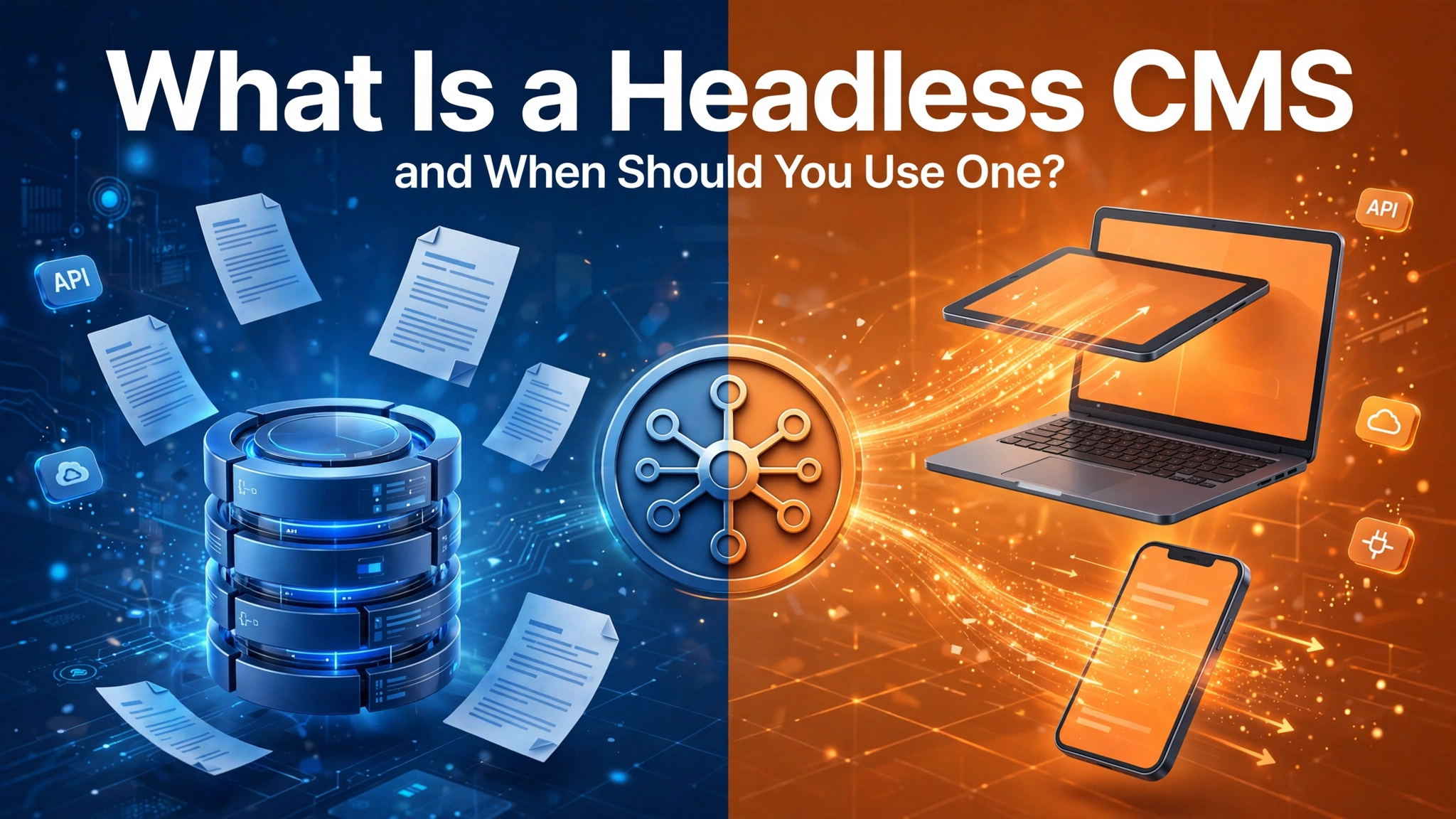
Every few years a piece of web vocabulary escapes the developer world and starts showing up in client briefings. Headless CMS is that term right now. Founders hear it in agency pitches, read it in platform comparisons, and reasonably ask: is this something my project needs, or is it a more expensive way to edit a website? This is our attempt at a headless cms explained answer with no sales angle — including the cases where we would tell you not to use one. We have a dog in this fight, by the way: this site’s blog runs on a git-backed headless setup, so the trade-offs below are ones we live with daily, not ones we read about.
A traditional CMS — WordPress is the famous example — is one system doing three jobs at once. It stores your content in a database, gives you an admin panel to edit it, and renders the pages your visitors see, all from the same software, on the same server, at the moment someone requests a page.
That bundling is why traditional systems won. One install, one login, and a non-technical editor can publish a page that instantly looks like the rest of the site. For a huge share of the world’s websites, that is still exactly the right answer.
It is also where the limits come from. Because storage, editing, and display are welded together, your content can really only be displayed one way: as pages on that website. And the whole stack — the plugins, the themes, the database — has to be hosted, patched, and secured as one living application, whether you are publishing daily or twice a year.
A headless CMS keeps the first two jobs and drops the third. It stores your content and gives editors a panel to work in, but it has no built-in idea of what a “page” looks like. Instead, your content is served out through an API — or, in git-backed setups like ours, stored as structured files in a repository — and whatever displays it is a separate thing entirely: your website, your mobile app, your in-store screen, something you have not built yet.
The name is literal: the body (storage and editing) stays; the head (presentation) is removed, so you attach whatever heads you need.
Two flavours matter in practice:
We chose the second kind for our own blog, and the workflow has a charm developers appreciate: every article is versioned, a draft is a branch, and publishing is a merge. Rollback is not a restore-from-backup event; it is undoing one commit.
If your blog posts, product descriptions, or help articles need to appear on a website and inside a mobile app and maybe on a partner portal, a traditional CMS makes you copy content between systems or build awkward bridges. A headless setup stores it once, in a structured form, and each surface takes what it needs. This is the strongest case for headless, and it is not close.
When the display layer is a static site or a modern web app, there is no live database answering visitor requests and no plugin stack to keep patched. Pages can be pre-built and served from a CDN at the edge. That is a genuinely simpler security and performance story — fewer moving parts, fewer 2am surprises. If you read our reasoning in how AI features get priced, the pattern is the same one we gave there: you pay for complexity every month, so remove the complexity you do not need.
In a bundled CMS, a design change and a content change happen in the same system, and a plugin update can rearrange both. Headless separates the concerns: editors edit, developers develop, and the contract between them is the content structure. Teams shipping both a marketing site and a product usually feel this benefit within a month.
Redesigns happen every few years. In a traditional CMS, content is tangled up with the theme that displays it, so a redesign can mean migrating and reformatting years of articles. Structured, presentation-free content just flows into the new design. If you are building a content library you expect to keep — SEO articles, documentation, case studies — that longevity is worth real money.
Headless is a worse answer when:
Here is the test we now run with clients: put the person who will actually publish content in front of both systems for ten minutes. Developers fall in love with headless quickly; editors are the ones who have to live in it. A good headless admin is genuinely pleasant — clean forms, a clear draft-to-published workflow, image handling that does not fight back. A bad one will quietly kill your publishing cadence, and a content operation that nobody wants to use produces no content. The technology decision is also a habit decision.
Our own setup passed this test: drafts move through draft, in review, ready — and publishing rebuilds the site in about a minute.
Ask two questions. First: will this content ever need to appear somewhere other than this one website? Second: is the website itself app-like, static, or performance-critical enough that a separate frontend is justified?
Two yeses: go headless and do not look back. Two nos: a traditional CMS will serve you better and cost you less. One of each: look at the editor test above, and let the publishing team’s comfort break the tie — because the best system is the one your team actually publishes with every week.
Whichever way you land, the CMS is a means to an end. The end is a site that loads fast, stays secure without constant nursing, and gets new content without a developer in the loop. In our web development services work, we pick the setup per project on exactly those terms — and sometimes the honest recommendation is the boring traditional one.
Not automatically. SEO depends on the frontend that displays the content, and a static or server-rendered frontend fed by a headless CMS can be excellent — fast loads, clean HTML. But a traditional CMS with a good setup ranks fine too. Headless removes some performance and flexibility ceilings; it does not hand you rankings.
The CMS itself can be free or cheap — our blog’s is open-source. The cost difference is in the build: a separate frontend is real development work, where a traditional theme is closer to configuration. Headless pays that back when you have multiple surfaces or a long content life; for a single simple site, it may never pay back.
Yes, with the caveat above: they get structured forms rather than a visual page builder. For articles, case studies, and product content, forms are often easier — there is less to break. For free-form landing pages, traditional builders are friendlier.
Yes, and it is a well-trodden path: export the content, clean it into structured fields, and rebuild the frontend. We would only warn against migrating mid-crisis. Decide when you have time to verify every redirect and check that old URLs still land somewhere sensible.
Tell us what you publish, who publishes it, and where it needs to appear, and we will give you a straight recommendation — including when that recommendation is “keep what you have.” Book a free strategy call and a senior engineer will walk through it with you. You will hear back within 24 hours.
More from the studio.
Choosing between Next.js vs Flutter Web? Compare SEO, performance and team costs, plus the real cases where each wins — and pick the right stack.
Talha Javed7 min readHubSpot, Zoho and Salesforce are the right answer for most companies. These are the signs that yours has outgrown them, and the three options you have when it does.
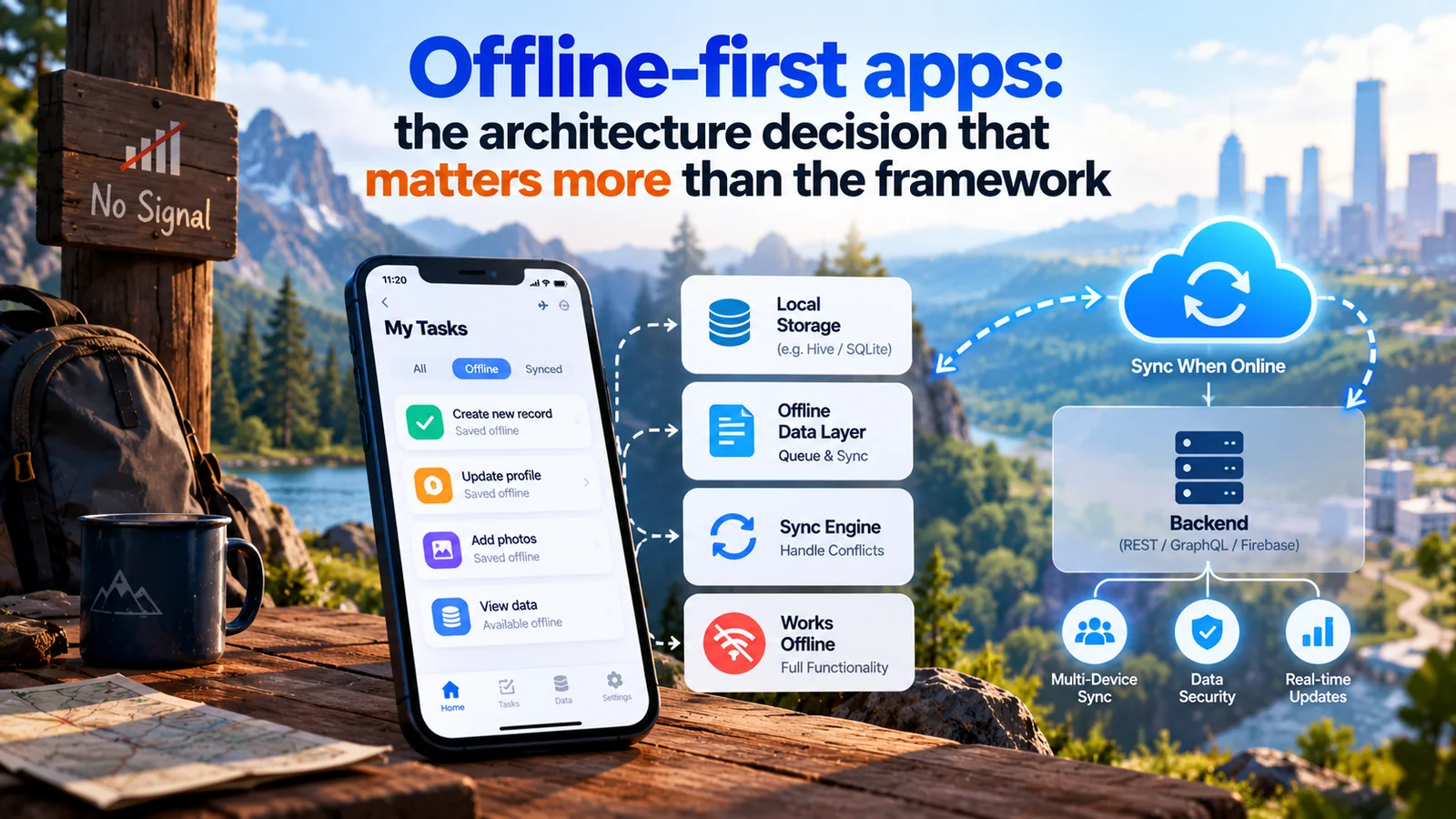
If your users work in warehouses, exhibition halls, basements or the field, the network will fail them. Designing for that from day one is cheap. Retrofitting it is not.
A free 30-minute call with a senior engineer. You leave with a plan and a price range, whether or not you hire us.