What Is a Headless CMS — and When Should You Use One?
Headless CMS explained in plain terms: how it differs from a traditional CMS, where it shines, where it doesn't, and how to tell if you actually need one.
 Talha Javed7 min read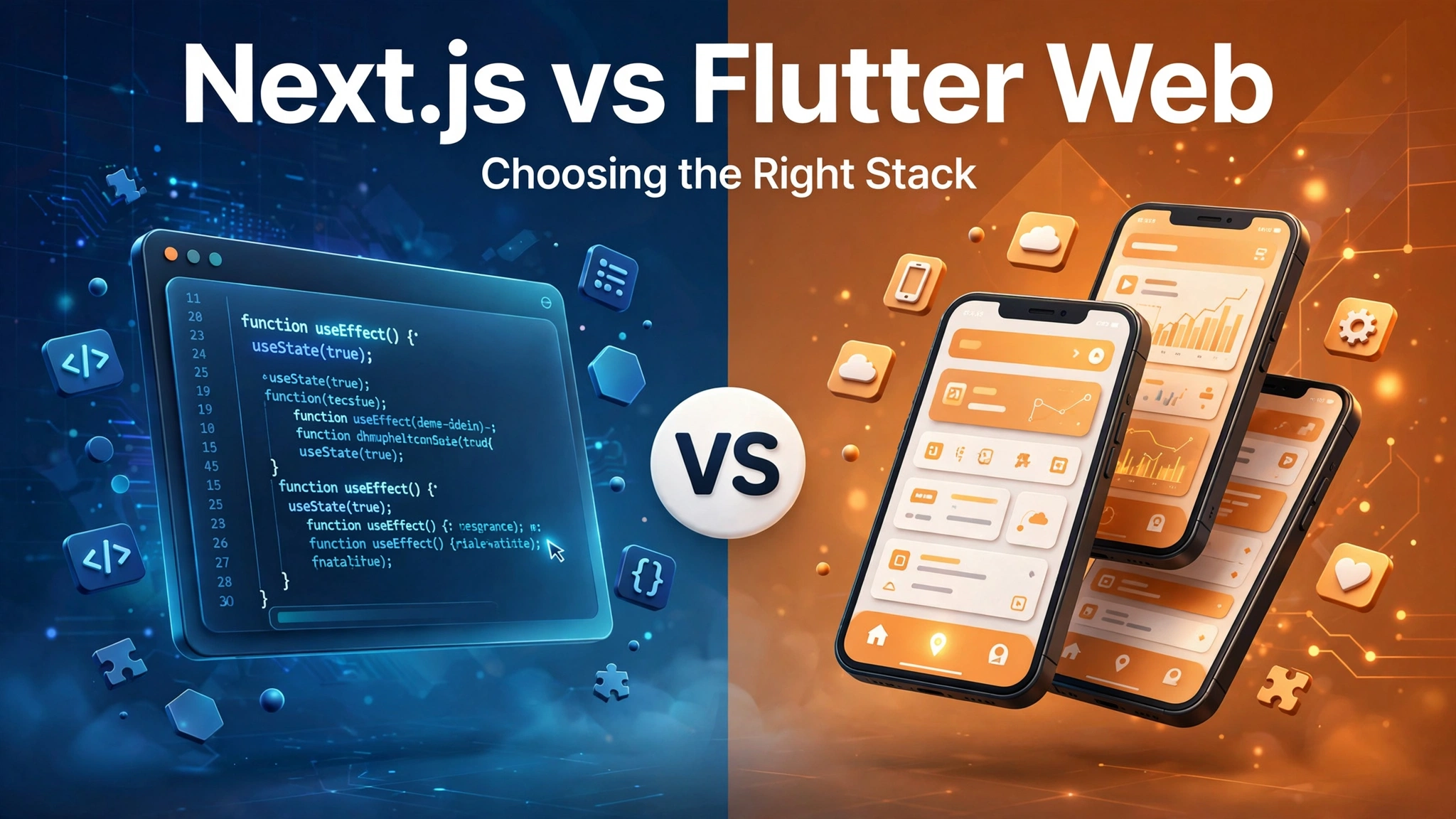
Sooner or later, almost every web project we quote hits the same fork in the road. The client already has a Flutter mobile app — or plans to build one — and the question becomes: should the web version be built in Next.js, or in Flutter Web? The next.js vs flutter web debate looks like a simple framework comparison. It isn’t. One is a way to build websites with JavaScript; the other is a way to build apps with Dart that happen to run in a browser. Get the distinction right and the choice is usually obvious. Get it wrong and you pay for it every month — in search traffic you never win back, or load times that quietly kill conversions.
Next.js is a React framework, maintained by Vercel, that renders real HTML and CSS in the browser. A Next.js page is a website in the oldest and most literal sense: the browser downloads markup, styles it, and displays it. Search engines can read it. Screen readers can read it. It degrades gracefully when JavaScript is slow or disabled. It is the web, working the way the web was designed to work.
Flutter Web takes a completely different road. Flutter draws every pixel of its own interface — on mobile it paints to the device’s canvas, and on the web it does the same thing inside the browser. Your app is compiled from Dart to JavaScript or WebAssembly, and what the user sees is a drawing on a canvas element. The browser is essentially a frame around that canvas.
Neither is a bad technology. They are built for different jobs, and most of the regret we see comes from hiring one for the other’s job.
If organic search matters to you — a marketing site, a content platform, a SaaS landing page, a blog that feeds your pipeline — this is where the debate usually ends. Next.js hands crawlers real HTML. Flutter Web hands them a canvas plus a JavaScript bootstrap that has to run before anything is visible. Google has improved at indexing JavaScript-heavy pages, but improved is not equal. In our experience, clients who chose Flutter Web for a public-facing site spent months building SEO workarounds — pre-rendering, meta tag hacks, separate landing pages — that Next.js would have made unnecessary from day one.
Rule of thumb: if strangers are supposed to find this through Google, build it in Next.js. We have never regretted that call.
A Next.js page can stream HTML to the screen before its JavaScript has finished downloading. A Flutter Web app downloads a substantial engine payload first, boots, and then draws. On a fast office connection the difference is a second or two — noticeable, not fatal. On a mid-range phone on 4G, it is the difference between someone waiting and someone leaving. We build for markets where that second connection is the norm, so this weighs heavily in our recommendations. WebAssembly compilation has narrowed the gap, but narrowed is not closed.
Next.js means JavaScript and TypeScript developers — the largest hiring pool in the industry, in every market we work in. Flutter Web means Dart developers: excellent people, but a smaller and more specialized pool. If you already have a Flutter team, that cost is sunk and Flutter Web gets genuinely cheaper, because the same engineers ship both platforms. If you are hiring from scratch and the web app is the main product, Next.js gives you far more candidates to choose from in London, Berlin, Amsterdam, Dubai, or Lahore.
Flutter Web’s strongest selling point is sharing code with a Flutter mobile app: the same Dart code, the same widgets, the same team shipping web, iOS, and Android. For a companion web app — an admin panel, a customer dashboard, a web version of the mobile product — that reuse is real and valuable. We have shipped projects where it cut the web effort dramatically.
But sharing code between a mobile app and a marketing website rarely makes sense, because the two products share almost nothing that matters: not the navigation, not the layout, and certainly not the SEO requirements. The “one codebase” argument is powerful when the products are siblings. It is a trap when they are strangers.
Choose Next.js when the project is, at its heart, a website:
For these projects Next.js is not just the better choice; it is the choice that removes entire categories of future problems.
Choose Flutter Web when the project is, at its heart, an app:
Notice the pattern: Flutter Web wins when the browser is a delivery vehicle for an app. Next.js wins when the web page is the product.
Here is what we recommend more often than either extreme: build the public website in Next.js and the app itself in Flutter Web, both talking to the same backend. The marketing site gets SEO, fast loads, and cheap content updates. The logged-in product gets real code sharing with the mobile app. Two codebases sounds like more work — and it is — but each one is doing the job it was designed for, which means less fighting the framework and fewer expensive workarounds.
The glue is a straightforward API over a managed database — the boring-backend approach we wrote about in how we choose the cloud and the database. Keep the backend dull and predictable, and running two frontends is far less painful than it sounds. This is also how we typically structure the engagement in our web app development services: one team, one backend, the right frontend for each surface.
Run your project through these five questions. Most of the time the answers point the same way.
If you answered honestly and the result is still a tie, default to Next.js for anything public and Flutter Web for anything behind a login. You will rarely regret that split.
Not directly — they are different languages and different rendering models. What you share is the backend: one API, one database, one set of business rules. In practice that is where most of the valuable sharing lives anyway.
“Bad” is too strong, but it is disadvantaged in ways that matter. Crawlers see a canvas that needs JavaScript to boot before content appears, instead of plain HTML. If search traffic is a growth channel, do not start from a disadvantage.
Yes, with a caveat. A Flutter team can learn enough Next.js for a marketing site faster than most people expect — a content-driven site is mostly components and pages. The hybrid setup works best when each surface has a clear owner, even inside one team.
The honest answer: the build cost depends far more on scope than on stack. Where the stack choice really bites is ongoing cost — SEO workarounds, performance fixes, and hiring. A framework that fits the project is cheaper every month after launch than one you have to fight.
The right answer depends on your actual product, your team, and where your users are — not on framework loyalty. Book a free strategy call and a senior engineer will look at your project, tell you which stack fits and why, and give you a price range. You will hear back within 24 hours, whether or not you end up building with us.
More from the studio.
Headless CMS explained in plain terms: how it differs from a traditional CMS, where it shines, where it doesn't, and how to tell if you actually need one.
Talha Javed7 min readMost apps should be built once in Flutter. Some should not. Here is the short checklist we run through with every client before writing a line of code.
Talha Javed2 min readHubSpot, Zoho and Salesforce are the right answer for most companies. These are the signs that yours has outgrown them, and the three options you have when it does.
A free 30-minute call with a senior engineer. You leave with a plan and a price range, whether or not you hire us.