Progressive Web Apps in 2026: When a PWA Beats Native
Progressive web app vs native, compared honestly: cost, offline use, store reach and performance, so you can choose the right build for your product.
 Talha Javed7 min read
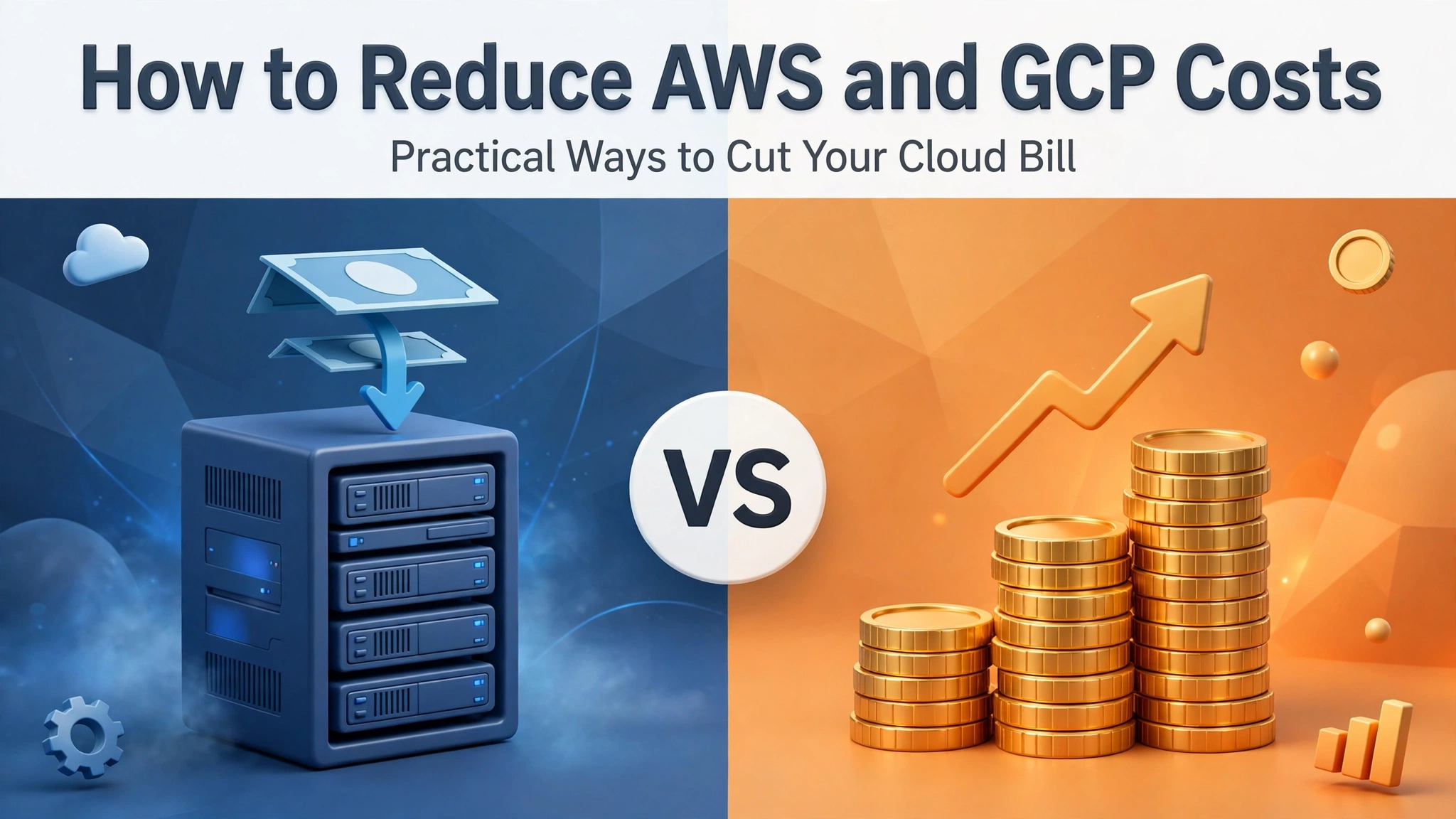
Most cloud bills do not grow because a product suddenly got popular. They grow quietly, a few dollars at a time, while nobody is watching. An instance left running after a test. A database sized for a launch that never came. Storage nobody remembers creating. Then one month the invoice jumps and the team spends a week firefighting instead of shipping.
We have been through that cycle with enough clients to know the pattern, and the fix is rarely dramatic. Cloud cost optimization is mostly housekeeping done on a schedule, plus a few decisions made early instead of late. Here are nine ways we reduce AWS and GCP costs for real products, without cutting corners that come back to hurt you.
The single biggest saving in almost every audit we run is instances and databases that are bigger than the workload needs. A server running at 10 percent CPU all month is not headroom, it is rent on empty rooms.
Check usage over the last two to four weeks in CloudWatch or Cloud Monitoring, not the peak of one busy afternoon. If a machine sits under 30 percent CPU and memory most of the time, drop a size and watch it for a week. You can always go back up.
The same applies to databases. A managed database one tier too large is often the most expensive line on the whole bill. Measure first, resize during a quiet window, keep the old snapshot, and move on.
Every account we audit has orphans. Unattached disks, old snapshots, load balancers pointing at nothing, IP addresses reserved for projects that ended months ago.
Set a monthly reminder, fifteen minutes, one person, one checklist. List unattached volumes, snapshots older than your retention policy, and resources with zero traffic in the last 30 days. Delete them, or snapshot first and then delete. Small savings per item, but they add up.
Reserved Instances on AWS and Committed Use Discounts on GCP can cut compute costs substantially, but only for capacity you will actually use. Buying a one-year commitment for a workload you are about to re-architect is how savings turn into waste.
Wait until a service has run steadily for a couple of months. Then commit to the floor, the usage that never goes away, and leave the peaks on demand. Committing to roughly 70 percent of steady-state usage and keeping the rest flexible is a solid starting split.
Hot storage is the default everywhere, and it is the most expensive tier. Most data does not need to be hot. Logs from six months ago, old backups, uploads nobody has opened in a year, these belong on cheaper tiers.
On AWS, S3 lifecycle rules move objects to Infrequent Access and then Glacier automatically, based on age. On GCP, Nearline and Coldline storage do the same job. Set the rule once and it runs forever. This is one of the few optimizations that is genuinely set and forget.
Traffic has a shape. A B2B product is busy on weekday mornings and quiet at night. A consumer app spikes on weekends. If your servers run at full strength around the clock, you are paying for nights and weekends you do not need.
Autoscaling groups on AWS and managed instance groups on GCP handle this well, but only if the scaling rules are tuned. The defaults are often too cautious, keeping extra machines running long after the spike passes. Review the cooldown and the minimum instance count. For predictable patterns, scheduled scaling is simpler and more reliable than reactive scaling alone.
Compute and storage get all the attention, but data transfer is the line that surprises teams. Moving data between regions, or out to the internet, is charged every single time, and it adds up fast for products that serve files, images, or video.
The fix is usually boring: keep services that talk to each other in the same region, and serve static content through a CDN so the same file is not fetched from your origin over and over. CloudFront on AWS and Cloud CDN on GCP both cut origin traffic sharply, and they usually make the product faster for users too.
This is not a technical fix, and it is the one that matters most. When nobody owns the cloud bill, it grows. When one person reviews it every week, it does not.
That person needs a weekly slot, access to the billing dashboard, and permission to ask questions. Their job: look at the top ten cost lines, flag anything that moved more than expected, and ask the team about it before it becomes a trend. Set a budget alert at 80 percent of expected monthly spend so problems surface while there is still time to act.
Development and staging environments are where costs hide, because nobody feels responsible for them. A staging copy of production, running at production size, for a feature that shipped three months ago. A test database untouched since a demo. Multiply that by a few projects and it is real money.
The habit that works: staging environments get torn down or scaled to zero when a project goes quiet, and rebuilt from scripts when it wakes up again. If your infrastructure is defined in code, rebuilding is a command, not a project.
The previous eight steps are one-off fixes. This one is what keeps the savings. Once a month, sit down with the billing dashboard for thirty minutes and ask three questions. What grew since last month, and why? What are we paying for that no longer earns its keep? What will change next month? That review is also where you catch slow drift, a service growing a little each month, a log volume doubling quietly, a new feature tripling database writes. Catching those at month two is a small fix. Catching them at month eight is a project.
We run this review for clients as part of our regular development and cloud work, because the cheapest time to fix a cloud bill is always this month.
A word of caution, because cost cutting has a failure mode. Do not cut backups, monitoring, or redundancy to save money. The bill you save by dropping a backup is small. The bill you get when you need that backup and it is not there is not a bill at all, it is a lost business.
The same goes for logging. Turning off logs saves pennies and costs you the ability to understand the next outage. Shorten the retention period instead, but keep the logs.
And never optimize by buying the cheapest instance type for a job it cannot do well. An underpowered database that falls over under load costs far more in downtime than the larger instance ever did.
If you take one thing from this list, take the order of operations. Open your billing dashboard today and look at the top three cost lines. In our experience, one of them is oversized, idle, or misconfigured in a way that takes less than an hour to fix. Start there. Then set the monthly review, assign an owner, and let the habit do the rest.
The goal is not the cheapest possible cloud. It is a bill you understand, where every dollar maps to something your product actually needs. That is the version of cloud cost optimization worth having.
It depends on how the account was built. Accounts that were never reviewed often drop noticeably after rightsizing and cleanup, because the waste sits in a few oversized or idle resources. Well managed accounts save less, and the remaining gains come from committed pricing and architecture changes.
Yes, if you measure before you move. Look at CPU, memory, and connection usage over several weeks, resize during a low-traffic window, and keep a snapshot from before the change.
Stay on demand until usage is stable. Committed pricing rewards predictability, and early-stage products are not predictable. Once a service has run at a steady level for a couple of months, commit to that floor and keep the peaks flexible.
No. Serverless is cheap for spiky or intermittent work and can be expensive for constant, heavy workloads that run all day. It is a tool for the right shape of traffic, not a universal saving. Compare the cost of the function against the cost of the server it replaces, using real traffic numbers.
If your AWS or GCP bill keeps growing and nobody on the team has time to dig into it, that is exactly the kind of review we do. Book a free strategy call and bring your latest invoice. We will tell you where the money is going and what we would fix first, and you will have a plan within 24 hours.
More from the studio.
Progressive web app vs native, compared honestly: cost, offline use, store reach and performance, so you can choose the right build for your product.
Talha Javed7 min readPostgreSQL vs Firebase: which database fits your app? Compare data models, scaling, pricing and vendor lock-in, and pick the right foundation for your product.
Talha Javed7 min readAn AI booking assistant can handle appointments, reminders and reschedules for clinics and salons 24/7. How it works, what it costs, and what to get right.
Talha Javed7 min readA free 30-minute call with a senior engineer. You leave with a plan and a price range, whether or not you hire us.