Mobile App Security Checklist: 12 Things We Verify Before Launch
Mobile app security checklist: the 12 checks we run before launch, from auth and data storage to API security, so your app ships without a costly breach.
 Talha Javed7 min read
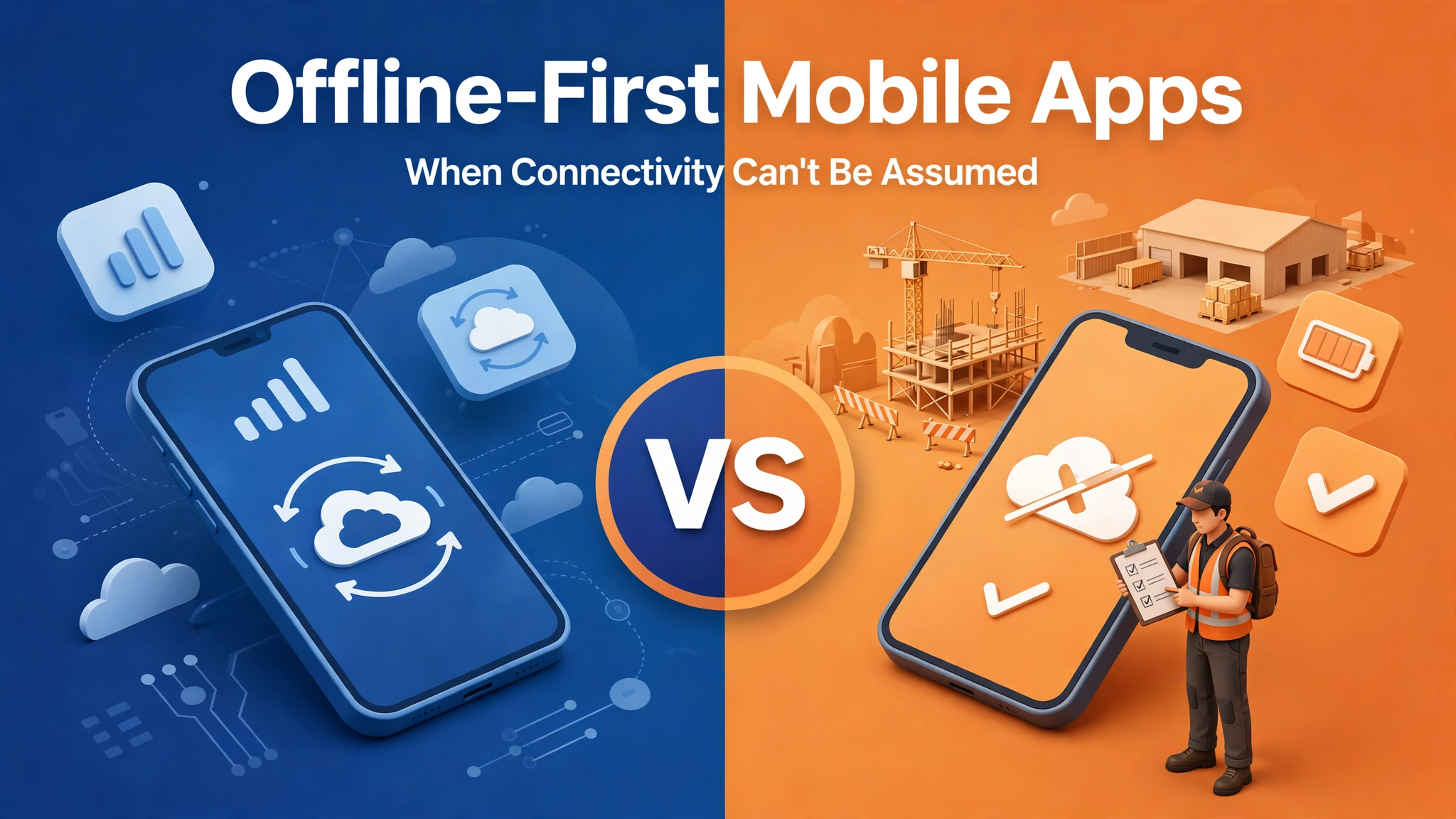
Your delivery driver is in a basement car park with no signal. Your field engineer is on a site where the Wi-Fi never worked. Your sales rep is on a plane, opening the app to prepare for the meeting.
In each case, the app either works or it does not. If it shows a spinner and a dead screen, your team stops working. If it was built offline-first, they carry on as normal, and everything syncs when the connection comes back.
Offline-first is not a feature you bolt on later. It is a decision about how the app stores data, made in the first week of the build. This guide explains what it means, who needs it, and what it costs, so you can decide before you pay for the build.
Most apps treat the internet as the source of truth. They fetch data from a server, show it, and when the connection drops, they show an error. The phone is a window onto the server, nothing more.
An offline-first app flips that. The phone is the source of truth. Data lives on the device first, in a local database, and the server is a backup that the app syncs with whenever a connection is available.
Open the app with no signal, and it still shows your jobs, customer records, and forms, because they are already on the phone. Fill in a form offline, and it saves locally, then uploads when the signal returns.
Not every app needs this, but plenty of real businesses lose work every day to dead zones.
Field service teams are the clearest case. Engineers, technicians, and inspectors work in basements, warehouses, lift shafts, and rural sites. If their job app needs a connection to open the next ticket, they stand around waiting for a signal instead of working.
Logistics and delivery are next. Drivers pass through tunnels, underground car parks, and areas with patchy coverage. Proof of delivery, signatures, and photos need to be captured at the door, not twenty minutes later when the signal returns.
Sales teams travelling between sites in the UAE and Saudi Arabia hit the same problem. Coverage between cities is uneven, and a rep who cannot open a catalogue or a quote in front of a customer looks unprepared.
Healthcare and inspection work counts too. A clinic doing home visits, or an inspector walking a construction site, cannot rely on the building’s Wi-Fi. The form has to work where the work happens.
Three moving parts decide the price and the reliability of the finished app.
The app keeps a real database on the phone, not just a cache of the last screen. That database holds the records your team needs: jobs, customers, products, prices, and forms. It is encrypted, so a lost phone does not mean leaked customer data.
When a developer says the app “works offline,” ask what is stored locally. A cached home screen is not offline-first.
When the phone gets a signal, the app sends its changes to the server and pulls down anything new. This happens in the background, quietly, without the user pressing a button.
Good sync is invisible. Bad sync shows spinners, duplicate entries, or worse, silently drops changes. Ask how sync is tested, and what happens when the connection drops halfway through an upload.
Two people can change the same record while both are offline. A driver marks a delivery complete, and the office changes the delivery time, both before either phone syncs. When both changes reach the server, something has to decide which one wins.
The answer is usually one of three approaches: the latest change wins, the server keeps both versions and flags the clash for a human, or the app merges them field by field. A delivery status should probably follow the driver, while a price should probably follow the office. Agree the rules before the build, not after the first clash.
Offline-first adds cost, and some apps do not need it.
If your users are office staff on reliable Wi-Fi, or customers browsing a catalogue at home, a normal online app with a graceful error message is enough. The money is better spent on the features they actually use.
If your app is mostly live data, like a booking system where availability changes every minute, offline-first gets complicated fast. Showing a stale booking slot offline is worse than showing no slot at all.
And if your budget is tight and the app is a first version to test an idea, it can make sense to launch online-only, learn what users do, and add offline support in the second version. What you should not do is launch online-only for a field team and hope the signal holds. For them, offline is the core feature, not version two.
Offline-first typically adds a meaningful chunk to the build, because the developer is building two systems that have to agree: the local database and the server, plus the sync layer between them.
In our experience, the extra work lands in three places. The local database and its encryption, the sync engine and its retry logic, and the testing, because every scenario has to be tested with the connection on, off, and dropping mid-task. Testing alone can add a week or more to a project, and it is the part most often cut when a quote looks too cheap.
That is why quotes for the same app vary so widely. One developer quotes for an online app with a cache, another for a real offline-first build with conflict handling and sync testing. They are not quoting the same thing, and the cheaper one costs more later, in lost work and in the rebuild you will need when the team stops trusting the app.
Use these in the first call. The answers tell you quickly whether the developer has built offline-first apps before or is learning on your budget.
First, ask what local database they use and how they encrypt it. A confident answer names the tool and the encryption approach. A vague answer means they have not done it.
Second, ask how sync conflicts are resolved, and who decides the rules. If the developer has no answer, conflicts will be decided by accident, in production, by your users.
Third, ask how they test with no connection: phones in airplane mode, connections dropped mid-upload, two devices editing the same record. If testing is “we try it on Wi-Fi,” walk away.
Fourth, ask what happens to data if the phone is lost or the app is deleted before a sync. The honest answer is that unsynced data is at risk. The mitigation is frequent background sync and a warning when unsynced changes are waiting. A developer who says nothing is ever lost is selling, not building.
Finally, ask for a reference from a client whose team works in the field. An agency that has shipped offline-first apps for field teams will have one. For timelines, see our guide to how long it takes to build a mobile app, and for the maintenance side, our guide to what happens after a Flutter app launches.
No. The app works without the internet and syncs when a connection is available. Data still has to reach the server eventually. Offline-first buys you time, not independence from the network.
No, although the two overlap. A progressive web app can cache some content for offline viewing, but a native or Flutter app with a local database goes much further: full forms, search, and data entry with no connection at all. Our comparison of when a PWA beats native explains where each option fits.
It depends on how much data the app holds and how many people edit the same records. Expect the data and sync layer to add a visible share of the build, and the testing to add more. Get the offline scope written into the quote, not assumed.
It can, but it is usually a rebuild of the data layer, not a small change. The app has to move from fetching everything live to storing everything locally and syncing. If offline matters to your team, build it in from the start rather than paying twice.
An app that only works in the office is a tool for the office. If your team spends its day in basements, on the road, or on sites with patchy signal, offline-first decides whether they use the app or work around it.
If you are planning a mobile app for a field team, a delivery operation, or a sales team that works across cities, book a free strategy call. Tell us where your team works and what breaks today when the signal drops, and we will tell you honestly whether offline-first is what you need, and what it would take to build. We reply within 24 hours.
More from the studio.
Mobile app security checklist: the 12 checks we run before launch, from auth and data storage to API security, so your app ships without a costly breach.
Talha Javed7 min readDart vs Kotlin vs Swift compared for founders: cost, team size, hiring, and when each language wins for your mobile app in 2026.
Talha Javed7 min readFlutter Web in 2026: is it ready for production? Performance, SEO, and the cases where it wins or loses, explained for founders.
Talha Javed7 min readA free 30-minute call with a senior engineer. You leave with a plan and a price range, whether or not you hire us.