Webflow vs Custom Development: An Honest Comparison
Webflow vs custom website development compared honestly: cost, flexibility, SEO, ownership, and when each wins, so you pick the right build for your business.
 Talha Javed7 min read
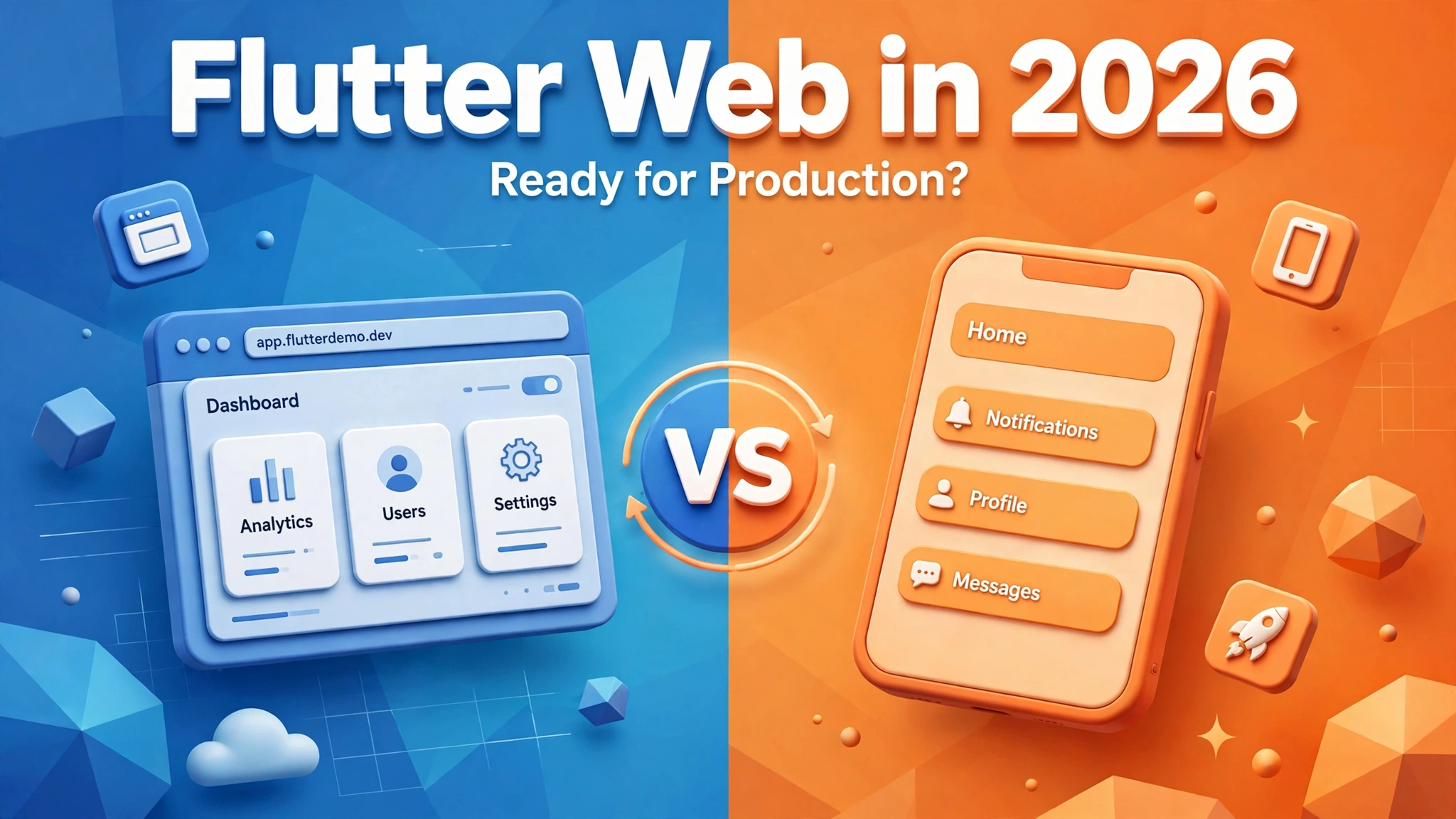
Founders hear two very different stories about Flutter Web. One camp says it is fast, beautiful, and ready for anything. The other says it is a toy for demos, slow to load, and invisible to Google. Both camps are exaggerating. The honest answer is that flutter web production is real in 2026, and serious apps run on it, but it suits some products far better than others. This post explains where it stands today, so you can decide whether it fits your product.
Flutter Web is the same Flutter framework used for mobile apps, compiled to run in a browser. Your Dart code becomes JavaScript and WebAssembly, and Flutter draws your interface itself, pixel by pixel, on a canvas element. A React or Next.js app hands the browser a tree of HTML elements and lets the browser lay them out. Flutter Web takes control of the rendering and paints everything itself.
Because Flutter controls the pixels, an app looks identical in every browser and on every screen size. That consistency is a real advantage for interactive tools, and one codebase can serve your web app, your iOS app, and your Android app, which is why most founders look at Flutter in the first place. Flutter Web offers two rendering modes. The HTML renderer keeps the initial download smaller and makes text selectable. The CanvasKit renderer gives smoother graphics and identical rendering everywhere, at the cost of a larger download.
A web app that takes too long to load loses users before they ever see it. Flutter Web has improved a lot here, but it still starts heavier than a plain HTML site. The framework itself has to download before your app can appear, so the first load is slower than a lightweight marketing page. On a decent connection, a well built app typically shows its first screen in a couple of seconds. On a slow mobile connection, it takes longer.
Once the app is loaded, the story flips. Navigation is fast because pages do not reload, animations run smoothly, and complex screens with charts, maps, or live data feel responsive. This is why dashboards and internal tools feel so good in Flutter Web. Tree shaking removes unused code, deferred loading splits features so they download only when needed, and caching means returning users load far faster than first time visitors. A team that knows these techniques will ship an app that feels quick. When you evaluate a proposal, ask how the team plans to handle the initial load.
This is where Flutter Web has its clearest limit. Search engines need to read your content, and Flutter Web does not hand them a normal HTML page. The app renders on a canvas, so a crawler that reads raw HTML sees very little. Google can index Flutter Web apps, but indexing is slower and less reliable than with a server rendered site.
The practical rule is simple. If your product depends on ranking in Google for its core pages, Flutter Web is the wrong tool for those pages. Build your marketing site in something search friendly, and keep Flutter for the app behind the login. If your app lives behind a login anyway, or your users arrive from ads, email, or an existing customer base rather than from search, SEO barely matters and this weakness is irrelevant.
Flutter Web is at its best when your product is an application, not a publication. Dashboards are the classic example. Admin panels, analytics views, booking management screens, and internal tools all fit beautifully, because users log in, stay for a while, and interact heavily. The shared codebase means the same screens can reach mobile users too.
It also wins when you already have a Flutter mobile app. Adding a web version reuses most of that work: your design system, your business logic, and your state management all carry over. The web app is not a second product to maintain, it is a third platform for the same product. Progressive web apps are another strong case. A Flutter Web app can be installed on a phone home screen, work offline in part, and send push notifications, behaving much like a native app without going through an app store. If you want to understand when a progressive web app beats a native app outright, read our guide on when a PWA beats native.
Content sites are the clearest loss. A blog, a news site, a documentation hub, or a marketing site with dozens of pages that need to rank in Google should not be built in Flutter Web. SEO critical landing pages lose for the same reason. If a specific page must rank for a competitive keyword and convert search visitors, build it with server side rendering. Flutter Web can be part of your product, but it should not be the front door of your business.
Very text heavy public pages are a poor fit too. Long articles, help centres, and legal pages are documents first and apps second. Users expect to select text, use browser find, and rely on screen readers, and a plain HTML page still does these things better with less effort. Finally, if your audience is largely on slow connections, think carefully. The initial download is the price every new visitor pays, and where mobile data is slow or expensive, that price is higher.
Accessibility still lags behind plain HTML. The framework has made real progress, with better semantic support, keyboard navigation, and screen reader compatibility, but it requires deliberate effort from the team. It does not come free the way it largely does in semantic HTML. Text selection has improved too, particularly in the HTML renderer, but it is still not as natural as on a normal web page. If your product serves users who rely on assistive technology, raise it early and ask for a concrete plan.
For a founder, the strongest argument for Flutter Web is usually economic. One team, one codebase, three platforms. You hire Flutter developers instead of separate web and mobile teams, and every feature ships everywhere at once. Your product also stays consistent, because the same code produces the same behaviour on every platform.
The counterweight is hiring. Good Flutter developers are still scarcer than React developers in most markets, so if you ever need to replace your team quickly, a mainstream web stack gives you a bigger hiring pool. In our experience, teams rarely regret starting in Flutter Web for the right kind of product, because the web app can be rebuilt later while the mobile apps keep running. If you are comparing stacks, our comparison of Next.js versus Flutter Web walks through the tradeoffs.
First, do your users log in, or do they arrive from Google? If they log in, Flutter Web is a strong candidate. If they arrive from search, build your public pages elsewhere. Second, is your product an interactive tool or a set of documents? Tools favour Flutter, documents favour HTML. Third, do you already have, or plan to have, a Flutter mobile app? If yes, the shared codebase argument is powerful. Fourth, how important is the first load time for your audience? Fifth, does your product need strong accessibility support? If so, budget the extra work.
Yes, for the right kind of product. Dashboards, internal tools, logged in applications, and progressive web apps run well in production today. Content sites and SEO dependent marketing pages are still a poor fit.
Google can index JavaScript rendered pages, but indexing is slower and less reliable than with server rendered HTML. If search traffic is central to your business, keep your public pages in a search friendly framework and use Flutter for the app behind the login.
The first load is heavier, because the framework downloads before the app appears. After that, navigation and interaction are typically fast and smooth. Good engineering keeps the first load reasonable, but it will never be as light as a plain HTML page.
Choose Flutter Web when you want one codebase across web, iOS, and Android, your product is an interactive tool, and your users mostly log in. Choose separate stacks when SEO drives your growth or your public pages are content heavy.
Flutter Web in 2026 is ready for production, for products that play to its strengths. It is a strong choice for dashboards, internal tools, logged in applications, and teams that already build in Flutter. It is a weak choice for content sites, marketing pages, and anything that lives or dies by Google rankings. The framework is not the risk. Choosing it for the wrong product is.
If you are weighing Flutter Web against another stack, talk it through with a team that has shipped on both sides. Book a free strategy call and tell us what you are building, who will use it, and how they will find it. We will give you an honest recommendation, even if the honest answer is not Flutter, and we reply within 24 hours.
More from the studio.
Webflow vs custom website development compared honestly: cost, flexibility, SEO, ownership, and when each wins, so you pick the right build for your business.
Talha Javed7 min readSeven website redesign signs your business has outgrown its site: slow pages, lost enquiries, and content you can no longer update, plus what to fix first.
Talha Javed7 min readFlutter app maintenance explained: what happens after launch, from OS updates and package upgrades to monitoring, fixes, and steady improvements.
Talha Javed7 min readA free 30-minute call with a senior engineer. You leave with a plan and a price range, whether or not you hire us.