Flutter Web in 2026: Ready for Production?
Flutter Web in 2026: is it ready for production? Performance, SEO, and the cases where it wins or loses, explained for founders.
 Talha Javed7 min read
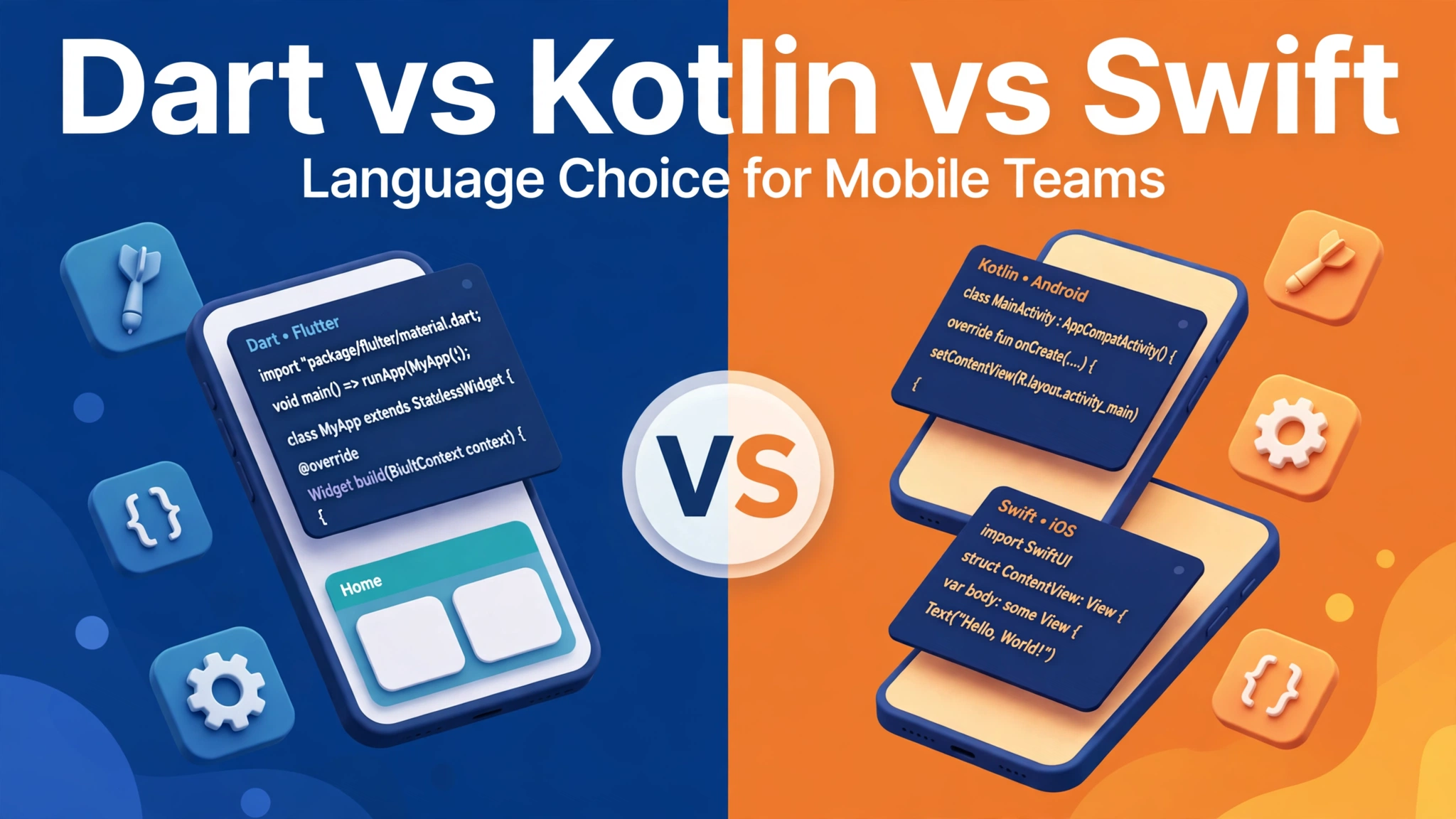
You are planning a mobile app and someone asks which language it will be built in: Dart, Kotlin, or Swift. The question sounds technical, but the answer is a business decision. It decides your team size, your build cost, and how fast you can ship.
This guide explains the three languages in plain terms, what each one costs in practice, and how to pick the right one.
Dart is the language behind Flutter, Google’s framework for building apps from a single codebase: one team writes the app once, and it runs on iPhone and Android.
Kotlin is Google’s preferred language for native Android development, built specifically for Android with Android’s own tools and libraries. It replaced Java as the standard on Android.
Swift is Apple’s language for native iOS development, built specifically for iPhone and iPad with Apple’s tools. It replaced Objective-C years ago.
So the real choice is between one codebase that covers both platforms, Dart with Flutter, and two native languages, one per platform. That changes everything about cost and team size.
The strongest argument for Dart is simple arithmetic. A Flutter app needs one team, one codebase, and one round of testing for both iPhone and Android. In our experience, that typically cuts the build effort roughly in half.
Flutter is also fast to build with. Its hot reload shows a change on a real phone within a second or two, so the design phase moves quicker and the app looks finished earlier in demos.
There are limits. Flutter apps carry their own rendering engine, so the download is a little larger, and an app that leans heavily on platform specific behaviour, such as deep work with a phone’s camera pipeline, can need extra native work.
Our comparison of Flutter vs native cost for startups breaks down the budget difference in detail.
Kotlin is the language of Android itself. An app written in Kotlin talks directly to Android’s libraries, with no layer in between, so it gets full access to every Android feature the day Google releases it.
For an Android only product, Kotlin is hard to beat. Banking apps, apps that work closely with Android hardware, and apps that need the very latest Android features usually land here.
The catch is scope. Kotlin builds Android only. If your users are also on iPhones, and most consumer products need both, Kotlin alone does not solve your problem. You need Swift and a second team for iOS: two languages means two codebases, two teams, or one team doing twice the work.
Good Kotlin developers are widely available, especially in Europe, but a Kotlin hire only covers half your product. Budget for the iOS side separately.
Swift is to iPhone what Kotlin is to Android. It is Apple’s own language, it gets new iOS features first, and it is the best tool for an app that lives entirely inside Apple’s world. If your product is iPhone only, Swift is the obvious choice.
Swift apps feel at home on iOS, because they use the same interface components Apple uses.
The same scope warning applies in reverse. Swift builds iOS only, so an Android version needs Kotlin and a separate effort. And iOS developers are, in our experience, the harder of the two native hires to find at a reasonable rate in many markets.
If your audience is mostly iPhone users, starting iOS first in Swift and adding Android later is a legitimate strategy. Just remember Android later means a second build, not a copy and paste job.
A Flutter app in Dart needs one team. Two native apps need either two teams working in parallel or one team working twice as long. That is the main cost driver.
A single codebase also means cheaper maintenance: every feature is written once, tested once, and released once. Our guide to Flutter app maintenance after launch explains what ongoing costs actually look like.
Native development costs more, but it buys the shortest path to any platform feature and the best possible performance on that platform. For most business apps that extra performance is invisible. For a video editor, a 3D game, or an app processing sensor data in real time, it can decide whether the product works.
One cost founders forget: the cost of delay. Two native builds take longer to reach both stores, so if your launch date matters, shipping one codebase to both stores first is often worth more than any performance edge native would give you. Our timeline guide on how long it takes to build a mobile app in 2026 shows how the phases stack up.
Your language choice decides who you need to hire.
A Dart and Flutter team is usually two to four people for a typical app: a lead developer, one or two more developers, and a designer. That team ships both platforms.
A native approach needs a Kotlin developer and a Swift developer at minimum, plus a lead to coordinate two codebases. The team is bigger, hiring takes longer, and every departure leaves one platform short staffed.
One counterpoint: Flutter developers are fewer than native developers, because the framework is younger, and in some markets a senior Flutter developer is harder to find. But you need fewer of them, and an agency with an existing Flutter team removes the hiring question entirely.
If you plan to hire in house later, check which talent pool is deeper in your city. In London, Berlin, and Amsterdam, all three have healthy communities. In smaller markets, native developers are usually easier to find.
Kotlin and Swift compile to the platform’s own machine code and talk to the operating system without an intermediate layer. For most apps, users cannot tell the difference. Flutter’s performance is excellent for business apps, booking flows, marketplaces, chat, and dashboards.
The cases where native wins are specific: heavy 3D graphics, real time video, augmented reality, and apps that constantly talk to Bluetooth hardware or sensors. If your app is one of these, native deserves a serious look, and your team should be able to show you a concrete reason, not a general preference.
For everything else, the performance question is mostly settled. A well built Flutter app feels fast because it is fast, and a badly built native app feels slow because it is slow. The skill of the team matters more than the language.
Run through these questions before you sign anything.
If you can answer these honestly, the choice usually makes itself. The wrong move is picking a language because it sounds impressive, or because an agency happens to sell it.
Yes. Start with one codebase to reach both stores fast, then rebuild natively later if a specific feature demands it. You will have real users and revenue to fund it. Keep the Flutter build well structured, so the switch is a rewrite, not a rescue.
Dart is backed by Google and powers Flutter, which is used by a large and growing number of apps. No technology is guaranteed forever, but the risk today is low. The bigger risk is the app never shipping because two native builds cost too much.
Almost never. Users notice speed, design, and whether the app does what they need, not which language built it. A polished Flutter app and a polished native app are indistinguishable.
Ask the agency what they build most, and ask to see live apps in each approach. An agency that builds Flutter every week will deliver a better Flutter app than a native agency learning it for your project.
Dart, Kotlin, and Swift are all good languages for real products. None is the wrong choice in the abstract. The wrong choice is the one that does not fit your product: two native teams for a simple booking app, or a cross platform shortcut for an app that lives on the camera.
Start from your users: which phones do they carry, what must the app do, and when must it launch. Answer those, and the language picks itself.
If you are still weighing the options, book a free strategy call. Tell us what you are building and who it is for, and we will give you an honest recommendation with a price range and a timeline, within 24 hours.
More from the studio.
Flutter Web in 2026: is it ready for production? Performance, SEO, and the cases where it wins or loses, explained for founders.
Talha Javed7 min readApp store optimization guide for first-time founders: keywords, screenshots, ratings and reviews that lift downloads without paid ads.
Talha Javed7 min readA mobile CI/CD pipeline turns app releases from a dreaded event into a routine: automated builds, tests, signing and staged rollouts, explained for founders.
Talha Javed7 min readA free 30-minute call with a senior engineer. You leave with a plan and a price range, whether or not you hire us.