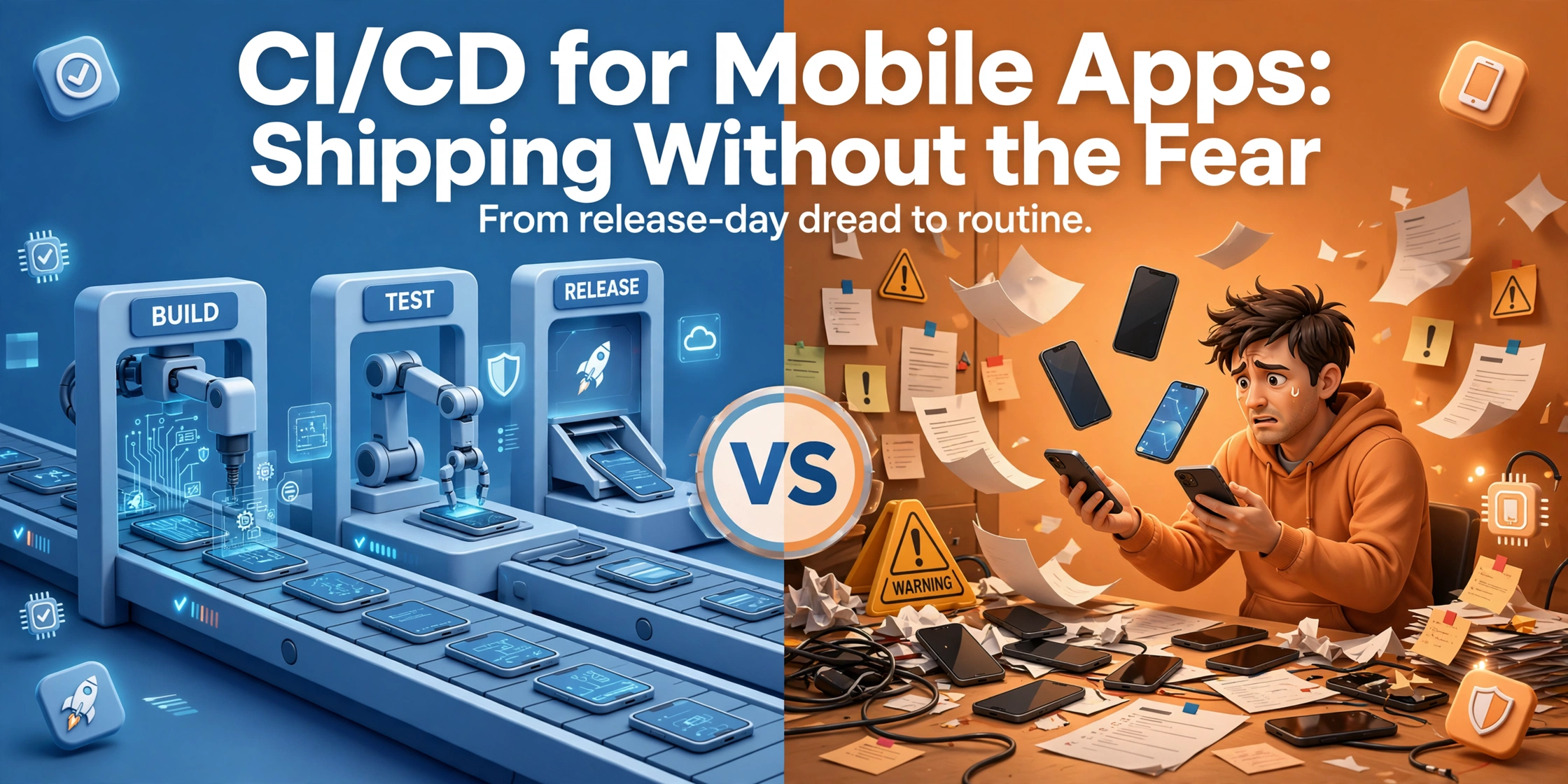
CI/CD for Mobile Apps: Shipping Without the Fear
A mobile CI/CD pipeline turns app releases from a dreaded event into a routine: automated builds, tests, signing and staged rollouts, explained for founders.
 Talha Javed7 min read
You built the app. It works, it looks good, and your friends say they love it. Then launch day comes, and almost nobody downloads it. This is the moment most first-time founders discover app store optimization, usually abbreviated to ASO. It is the work of making your app findable and convincing inside the App Store and Google Play, and it decides whether your launch reaches strangers or only the people you already know.
This app store optimization guide covers the basics that matter for a first launch: keywords, your listing copy, screenshots, ratings, and the habits that keep downloads growing after week one.
Think of the app stores as search engines with a download button. When someone types “budget planner” or “yoga for beginners” into the store search, the store ranks the matching apps and shows the best ones first. ASO is the practice of helping the store understand what your app does, and helping the person reading the listing decide to tap install.
It has two halves. The first is visibility: showing up in search results for the words your future users type. The second is conversion: turning a listing view into a download. A beautiful app that nobody finds gets no downloads. A visible app with a weak listing gets views and no installs. You need both halves working.
Every ASO decision starts with the words people type. Your job is to find the phrases your future users actually search for, then use them in the places the store reads.
Start by thinking like a user, not like a developer. You know your app as a “habit tracking system with streak analytics”. Your user types “daily habit app” or “build better habits”. The gap between those two vocabularies is where most first listings fail. Write down every plain phrase a non-technical person might type, then check each one in the store search and look at what appears.
Then look at competitors. Read the titles and subtitles of the top five apps in your category and note the words they repeat. Those words are doing real work for them. You are not copying their listing. You are learning which terms the store associates with your category.
Finally, sort your list by intent. A broad term like “fitness app” brings volume and fierce competition. A specific term like “home workout timer” brings fewer people, but they know what they want, and a new app can actually rank for it. Pick five to ten phrases you can genuinely compete for, and build your listing around them.
Your app name is the strongest keyword signal you have, and it is also the first thing a searcher reads. The stores give you a limited number of characters, so use them well. A name plus a short phrase that says what the app does beats a clever name alone. “FitTrack: Home Workout Timer” tells the store and the user what the app is in one line.
On the App Store, you also get a subtitle and a hidden keyword field. The subtitle should read like a sentence a human would say, and it should carry your next most important phrase. The keyword field is for single words and short phrases, separated by commas, with no spaces wasted on words already in your title. Do not repeat words across the title, subtitle, and keyword field. The store reads them together, so repetition wastes space you could spend on another term.
Google Play works differently. There is no keyword field. The store reads your title and your long description instead, so your description needs to carry your keywords naturally in the first few lines. Write it for a human first, then check that your main phrases appear early.
Most people decide in seconds, and screenshots do more of that deciding than your description ever will. The first three screenshots matter most, because they are the ones visible without swiping. Treat them like a short story. Screenshot one shows the main benefit. Screenshot two shows how it works. Screenshot three shows the result the user gets.
Add short captions on each screenshot in large, readable text. A caption that says “Plan your week in 30 seconds” is worth more than a bare screenshot of a calendar screen. Show real screens from your app, not mockups of a different design.
Your icon deserves the same care. It should be simple, readable at tiny sizes, and distinct from the apps around it. Test it against your competitors’ icons in a grid. If yours blends in, simplify it.
Ratings influence both ranking and trust. A 4.5 star app gets tapped more often than a 3.5 star app with the same screenshots, and the store notices that. The fastest way to earn ratings is to ask, but the timing decides whether the answer is kind.
Never ask for a rating on first open, or after a crash, or in the middle of a task. Ask after a small win: the first completed workout, the first saved budget, the first booking confirmed. That is when the user feels good about your app, and the rating reflects it.
When a review comes in, reply to it, especially the unhappy ones. A thoughtful reply to a complaint can turn a one-star review into an update from the same user. Never offer rewards for reviews, and never fake them. The stores detect it, and the penalty is worse than a slow start.
If your app serves users in more than one country, translate the listing, not just the app. A German user searching in German will not find an English-only listing, and a Spanish speaker who finds one is less likely to install it. Start with the markets where you already see interest, and translate the title, subtitle, screenshots, and description properly.
ASO is not a launch task. It is a routine. The stores give you data on impressions, listing views, and installs, and the gap between those numbers tells you where to work. Many impressions and few views means your icon, title, or ranking needs work. Many views and few installs means your screenshots or ratings need work.
Change one thing at a time, then wait long enough to see the effect. If you change the title, the screenshots, and the keywords in the same week, you will never know which change moved the numbers. Keep a simple log: what changed, when, and what happened to installs over the next two weeks.
The most common mistake is optimizing for the wrong word. Founders pick the biggest, most obvious term, then wonder why a new app with no ratings sits on page five. Start specific, win the small searches, and let the ratings and downloads from those wins carry you toward the bigger terms.
The second mistake is writing the description for the store instead of the user. Keyword-stuffed paragraphs read badly and convert worse. Write the description a friend would understand, then check that the keywords are present.
The third mistake is treating launch as the finish line. ASO pays off over months, not days. The founders who win are the ones who still check their listing in month three, when the launch excitement is gone and the steady work begins.
Expect the first movement within a few weeks of a change, and meaningful movement over two to three months. ASO compounds slowly, because ranking depends on downloads and ratings, which themselves grow as ranking improves.
Yes, in the details. Apple reads a hidden keyword field and a subtitle, while Google reads your description. The strategy is the same on both, but the fields you fill are different, so treat them as two listings, not one copy pasted twice.
For many small apps, yes, at least at first. ASO brings a steady stream of people who are already searching for what you do, which is the highest-intent traffic there is. Ads become useful later, when you want to grow faster than organic search allows, or to test a new market quickly.
Before you submit, run this check. Can a stranger tell what your app does from the title and the first screenshot? Are your five best keywords in the places the store reads? Does the listing ask for a rating only after a small win? If the answer to all three is yes, your listing is ready, and the launch can do its job.
If you would like help with the launch itself, book a free strategy call with us. We will look at your app, your listing, and your timeline, and tell you honestly what to fix first. We aim to reply within 24 hours, and you leave the call with a plan whether or not you work with us.
For a related read, see how long it takes to build a mobile app and our Flutter app maintenance guide.
More from the studio.
A mobile CI/CD pipeline turns app releases from a dreaded event into a routine: automated builds, tests, signing and staged rollouts, explained for founders.
Talha Javed7 min readHow long to build a mobile app in 2026? A realistic timeline from idea to App Store launch, the phases, the delays, and the shortcuts that move the date.
Talha Javed7 min readFlutter app maintenance explained: what happens after launch, from OS updates and package upgrades to monitoring, fixes, and steady improvements.
Talha Javed7 min readA free 30-minute call with a senior engineer. You leave with a plan and a price range, whether or not you hire us.