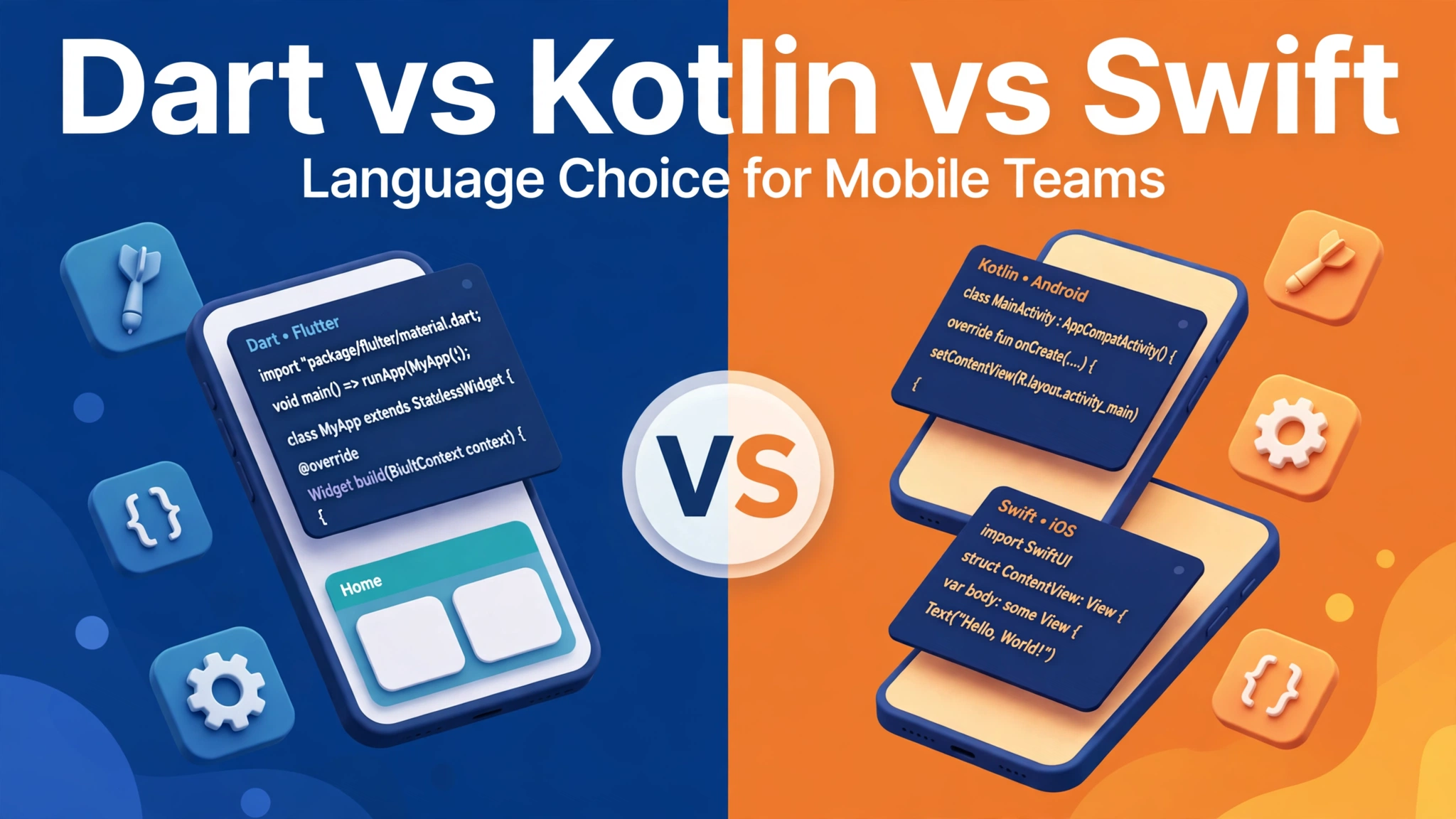
Dart vs Kotlin vs Swift: Language Choice for Mobile Teams
Dart vs Kotlin vs Swift compared for founders: cost, team size, hiring, and when each language wins for your mobile app in 2026.
 Talha Javed7 min read
Your app works. The screens are polished, the testers are happy, and the launch date is circled on the calendar. That is exactly when security gets skipped, because everything visible looks finished. The most expensive bugs in a mobile app are the ones nobody can see on a screen.
A mobile app security checklist is not a formality for big companies. A small app that stores customer names, email addresses, and payment details is a target the moment it goes live. A breach after launch costs far more than a fix before it, in lost users and in the work of rebuilding trust. This is the checklist we run on every app before it ships, in plain language, so you can ask your own team the same questions.
Security problems are cheap to fix in development and expensive to fix in production. A login fix takes a day in testing. After launch it means an emergency update, a forced logout for every user, and a store review that takes days while the hole stays open.
There is a second reason to check before launch. Both Apple and Google reject apps that handle personal data carelessly. A rejection for a privacy issue can cost a week, and a second one can cost more. The checklist below catches the issues that cause those rejections before your first submission.
Passwords must never be stored in plain text, anywhere. On the server they are hashed with a modern algorithm, and the app never keeps a password in its own storage. Login sessions use tokens that expire, so a stolen token stops working quickly. If your app keeps users logged in forever with a single token, ask why.
Not every app needs two-factor authentication, but any app that holds money, health data, or business records should offer it. If your developer says it is planned for later, ask what protects accounts until then.
Face ID and fingerprint unlock feel secure, and for the phone itself they are. But a biometric check only proves that the person holding the phone is its owner. It does not replace a server-side session, and it must never be the only thing standing between a stranger and an account.
Phones get lost and stolen. Anything stored on the device, tokens, personal details, cached messages, must be encrypted, not saved as plain text in a file or a database. Ask your developer where the app stores user data and how it is protected.
Developers log things to debug problems. That is normal. What is not normal is logging passwords, tokens, or full payment details, because logs get sent to crash-reporting tools and stored on servers. A search of the codebase for logging calls near login and payment code catches this in about an hour.
Every network request the app makes must use HTTPS, including the ones for images and analytics. Mixed content, where the app loads some things over plain HTTP, is an open door for anyone on the same Wi-Fi network. If your app talks to any server over plain HTTP, it is not ready to ship.
The app is not the security boundary. The API is. Every request to your server must prove who is making it, and the server must check that the user is allowed to do what they are asking. A common flaw is an API that trusts a user ID sent by the app. If changing a number in a request lets one user see another user’s orders, that is a breach waiting to happen.
Whatever a user types or a server sends, the app must treat as untrusted until it is checked. Validation belongs on the server first and in the app second, never only in the app, because anyone can bypass the app and talk to the server directly.
Most apps are built on dozens of libraries written by other people. Those libraries have vulnerabilities, and they get fixed in updates. An app that has not updated its dependencies in a year is running code with known flaws. Before launch, list the libraries the app uses, check them against public vulnerability databases, and update anything with a known issue. Our guide to Flutter app maintenance after launch explains how this stays a habit.
Every piece of data the app collects is a liability. If the app does not need a user’s date of birth, it should not ask for it. If it does not need location access, it should not request the permission. Fewer permissions mean fewer questions from store reviewers and fewer things to leak.
Debug builds are built for developers. They are slower, they log more, and they often include tools that let anyone inspect the app while it runs. A release build must be the thing that ships, with debugging tools removed and no test accounts or test servers left inside. Shipping a debug build to the store is one of the most common mistakes we see, and it is entirely avoidable.
No app is perfectly secure. The question is what happens when someone finds a problem. Before launch, agree on who receives security reports, how fast the team responds, and how a fix gets to users. A simple contact address for security reports and a process for an emergency update are enough.
A failed check is not a reason to panic, and it is not a reason to delay launch by a month. It is a reason to fix the specific thing and re-check it. Most of the items above take hours, not weeks. The ones that take longer, like reworking an API that trusts the app, are the ones that matter most, because they cannot be patched by a quick app update alone.
The right question to ask your team is not “is the app secure?” That question always gets a yes. Ask instead which of these twelve checks have been done, and ask for the evidence.
You do not need to run these checks yourself. You need to ask for them, in writing, before you approve the launch. A short document that lists the twelve items and the result of each one is enough. It becomes part of your launch sign-off, next to the store listing and the final build.
If your team is small, do the cheap checks first: HTTPS everywhere, encrypted storage, no sensitive data in logs, and the API permission test. Those four catch the problems that cause the most damage.
If you are working with an agency, ask them to include this checklist in their handover. A good agency will already have one. Our guide to mobile CI/CD pipelines shows how checks like these can run automatically on every release.
For a typical app, a first pass through these twelve items takes one to three days of developer time. Fixing what it finds takes longer, which is why the check should happen at least two weeks before the launch date, not the day before.
It is a strong start, but payment handling has its own rules. If your app takes card payments, the payment processor usually handles the card data, and your app should never see a card number at all. Ask your developer to confirm that card data goes directly to the processor and never touches your servers.
Small apps are not targeted by name, but they are found by automated scans that look for common flaws in any app. A scanner does not care how many users you have. It cares whether your API lets it read other people’s data.
For most consumer apps, this checklist plus a careful review is enough for a first launch. If the app handles health records, financial data, or children’s data, an independent audit is worth the cost.
Security is not a feature you add later. It is a set of decisions made while the app is being built, and the cheapest time to verify those decisions is before launch, not after a user reports a problem. Run the twelve checks above, ask for the results in writing, and fix what fails before you submit to the store.
If you are building an app and want a second pair of eyes on it before launch, book a free strategy call. Tell us what the app does and when it ships, and we will walk through the checklist with you and flag the risks that matter. We reply within 24 hours.
More from the studio.
Dart vs Kotlin vs Swift compared for founders: cost, team size, hiring, and when each language wins for your mobile app in 2026.
Talha Javed7 min readApp store optimization guide for first-time founders: keywords, screenshots, ratings and reviews that lift downloads without paid ads.
Talha Javed7 min readA mobile CI/CD pipeline turns app releases from a dreaded event into a routine: automated builds, tests, signing and staged rollouts, explained for founders.
Talha Javed7 min readA free 30-minute call with a senior engineer. You leave with a plan and a price range, whether or not you hire us.