Multilingual Website SEO: English, German and Arabic
Multilingual website SEO for English, German and Arabic: hreflang setup, URL structure and translation mistakes that cost rankings in Europe and the Gulf.
 Talha Javed7 min read
Sooner or later, every growing business outgrows its spreadsheets. Orders live in one sheet, customer details in another, stock levels in a third. The fix is an admin dashboard: one screen where your team sees orders, customers, payments, and stock.
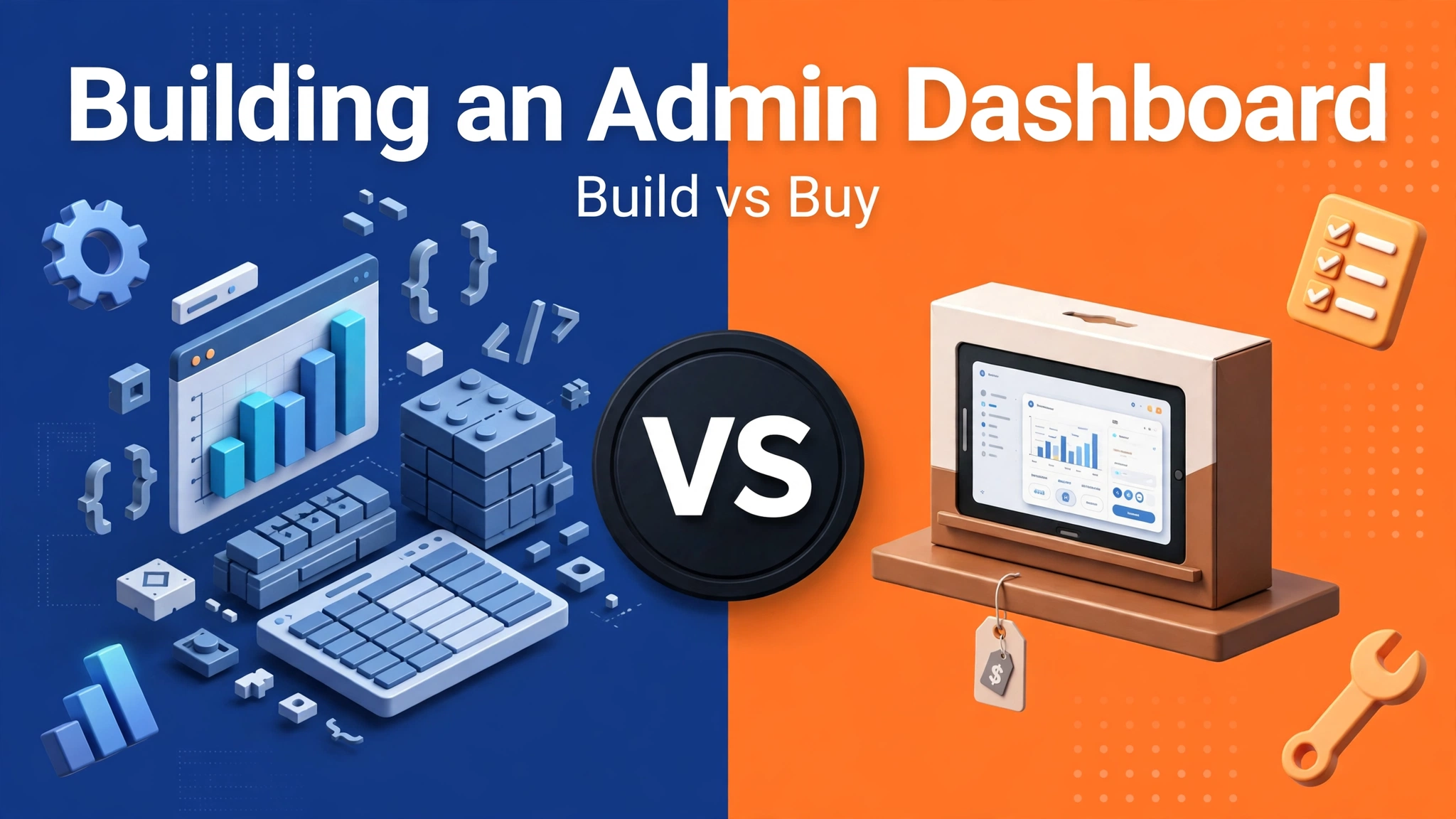
Then comes the question that stalls the project for weeks. Should you build a custom admin dashboard, or buy an off-the-shelf one? The admin dashboard build vs buy decision looks like a price comparison, but it is really a question about how your business works.
An admin dashboard is the internal control panel for your business: your customers never see it, your team lives in it. It shows orders and their status, from new to shipped to refunded, holds customer records and their history, and tracks stock, bookings, or listings, depending on what you sell. It also shows payments and the numbers that tell you whether the week went well.
It also controls who can see or change each of those things. The warehouse team should update stock but not issue refunds, and a manager should see revenue that a junior support agent should not.
Most of all, the dashboard has to fit how your team actually works. A clinic receptionist and a warehouse picker do the same job in completely different ways. The right dashboard matches your workflow. The wrong one forces your team to work around it, usually in a spreadsheet.
Off-the-shelf dashboards exist for good reason. Tools like Retool, Forest Admin, and the admin panels that come with platforms like Shopify or WooCommerce are ready on day one. You sign up, connect your data, and your team is working in it the same week.
The price looks simple too. A monthly subscription, often per user, covers hosting, updates, security patches, and support. You do not hire a developer to keep it running. When something breaks, it is the vendor’s problem, not yours.
Bought dashboards also come with features you would not think to ask for until you need them: audit logs, two-factor login, export tools, and integrations with payment providers. Building them from scratch takes weeks. Buying them takes an afternoon. The case for buying is strongest when your needs are standard. If your process looks like most businesses in your industry, an off-the-shelf dashboard probably covers most of what you need.
A custom dashboard starts from your workflow instead of the other way round. The screens show the fields your team actually uses, in the order they use them, and the buttons do exactly what your process needs. Nobody has to click through three menus to do a two-second job.
That fit shows up in the details. A dental clinic in Dubai needs a dashboard that handles appointment slots and no-shows in both English and Arabic. A logistics company in the Netherlands needs one that tracks shipments across carriers and flags delays. A salon in London needs one where the front desk can rebook a client in under a minute. No generic dashboard does all of that well, because each workflow is specific to the business.
Custom also means your data stays yours. You choose where it lives, who can export it, and how it connects to the rest of your systems. In our experience, this tips the decision for businesses handling sensitive customer data, or operating under regulations like GDPR in Europe. A bought tool stores your data on the vendor’s terms. A custom dashboard stores it on yours.
This is where most comparisons go wrong. A one-off build quote and a monthly subscription are not the same thing.
A bought dashboard costs a subscription every month, and the bill usually grows with your team. Ten users cost more than three, and some tools charge per record or per action once you pass a limit. Over two or three years, a bought dashboard can cost more than a custom build, quietly, in monthly instalments.
A custom dashboard costs more up front. You pay for design, development, and testing, and the quote depends on how many screens and workflows you need. A simple dashboard is a modest project. One with roles, approvals, reporting, and integrations is a bigger one. Ask any agency for a fixed-price quote.
Then there is maintenance, which both options need. A bought dashboard includes it in the subscription, until the vendor raises the price or drops a feature you rely on. A custom dashboard needs a maintenance arrangement with whoever built it. Budget for it from the start.
First, how unusual is your workflow? If your process matches the industry standard, buy. If a generic tool would force your team to change a process that works, build.
Second, how many systems must the dashboard talk to? One or two standard integrations are easy to buy. Five systems, including a legacy booking tool or an in-house stock system, usually point to a custom build.
Third, who owns your data, and where must it live? If you need data in a specific country, or cannot let customer records sit on a third-party server, custom gives you that control.
Fourth, how fast do you need it? If you need something working next week, buy. A custom dashboard takes weeks to build properly.
Fifth, what happens when you grow? Check how the bought tool’s pricing scales. Some tools stay cheap at three users and get expensive at thirty. Answer those five honestly and the decision usually makes itself.
The choice is not always all or nothing. In our experience, the most common outcome is a mix: buy the standard parts, like user management and reporting, and build the custom parts that make you competitive, like your booking flow or stock logic.
Another middle path is to start with a bought tool and plan the switch. Use the off-the-shelf dashboard for six months while the business grows. You learn exactly which features your team uses. Then, when you commission a custom build, you have a precise list of requirements instead of a guess.
Check data export first. Can you get all of your data out, in a usable format, whenever you want? If a vendor makes export difficult, that is a warning sign.
Check permissions and audit logs. Can you control who sees what, and see who changed a record and when? If not, the dashboard will cause problems the first time money goes missing or a record changes by mistake.
Check how it handles your real volume. A dashboard that is fast with a hundred orders can crawl with ten thousand. Ask for a demo with realistic data.
Check support and response times. When the dashboard is down, your team cannot work. Find out who answers, how fast, and in which timezone.
Check what happens when you leave. If you stop paying for a bought tool, how long do you have to export your data? If you part ways with the agency that built it, do you have the code and the documentation to hand it to someone else? Get those answers in writing.
Our guide to Webflow vs custom development covers a similar buy vs build decision for websites. If you are weighing a custom build, our guide to our app development process shows what a build looks like from kickoff to launch.
A simple dashboard for a small team typically takes a few weeks, including design, development, and testing. One with multiple user roles, approval workflows, and several integrations takes longer. The biggest cause of delay is usually unclear requirements, so agree the screens and workflows before work starts.
Usually, yes, for standard business data. Reputable vendors invest heavily in security, often more than a small business could on its own. Ask where your data is stored, whether the vendor meets the regulations that apply to your market, and what happens to your data if you cancel. If your data is highly sensitive, a custom build gives you that control.
Yes, and many businesses do. The switch is smooth if you can export all of your data cleanly, including customer records, order history, and settings. It gets painful when a vendor locks your data in, so check the export options before you sign up.
No. A well-built dashboard is made for non-technical staff to use every day. You do need a small monthly maintenance arrangement with whoever built it, for security updates, fixes, and small changes.
The admin dashboard build vs buy decision comes down to one thing: how much does the dashboard need to match the way your business actually works? If the answer is “mostly standard,” buy. If it is “our workflow is the business,” build it properly, once.
If you are not sure which side you fall on, book a free strategy call and we will look at your workflow together. You leave with an honest recommendation and a price range, and we reply within 24 hours.
More from the studio.
Multilingual website SEO for English, German and Arabic: hreflang setup, URL structure and translation mistakes that cost rankings in Europe and the Gulf.
Talha Javed7 min readLanding page conversion explained: the anatomy of a high-performing landing page, from headline to form, and what to check before you pay for one.
Talha Javed7 min readFlutter Web in 2026: is it ready for production? Performance, SEO, and the cases where it wins or loses, explained for founders.
Talha Javed7 min readA free 30-minute call with a senior engineer. You leave with a plan and a price range, whether or not you hire us.