
AI Receptionists for Dental Clinics: A Practical Guide
An AI receptionist for a dental clinic answers calls, books appointments and handles cancellations 24/7. What it does, what it costs, and what to check first.
 Talha Javed7 min read
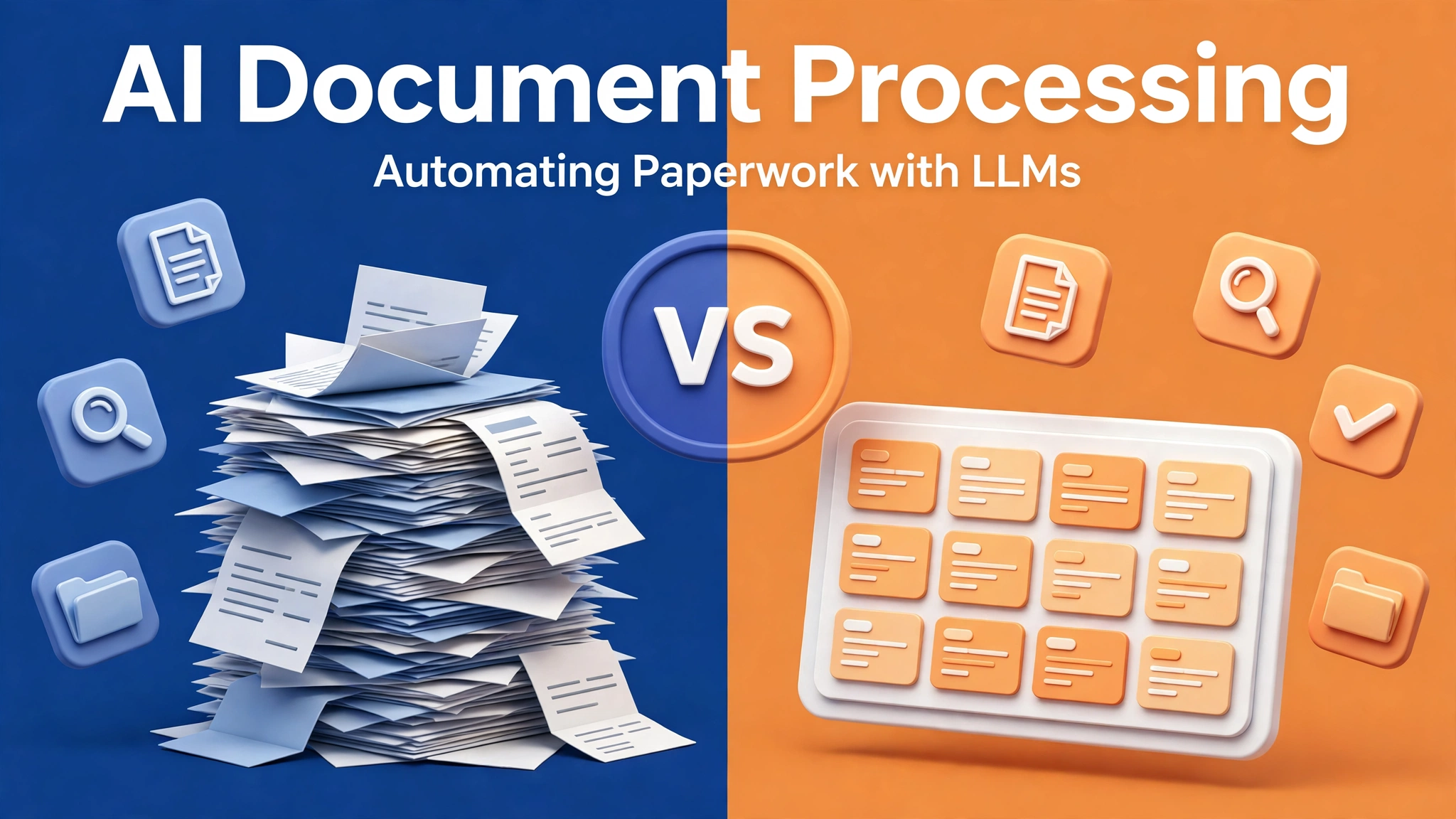
Every business runs on paperwork. Invoices arrive by email and by post. Patients fill in intake forms. Tenants sign agreements. Somewhere in your office, a person reads each document, types the important details into a system, and files the original away.
That work is slow, boring, and expensive. A mistyped invoice number delays a payment, and a missed clause in a contract becomes a problem months later.
AI document processing is built for exactly this problem. It uses large language models, the same technology behind modern chatbots, to read a document, pull out the fields that matter, and push them into your systems. No retyping. No manual sorting.
At its simplest, AI document processing turns an unstructured document into structured data your software can use. You feed it a PDF, a scanned page, a photo of a form, or an email attachment. It returns the fields you need: invoice number, date, total, supplier name, patient details, delivery address.
Older tools tried this with fixed templates. You told the software the invoice number sits in the top right corner, and it worked until a supplier changed their layout. Then it broke. A language model reads the whole document the way a person would, so it finds the invoice number wherever it sits on the page.
A complete setup does four things. It classifies the document: invoice, contract, delivery note, or claim form? It extracts the fields you care about. It checks the result against your rules, for example that the invoice total matches the sum of its line items. Then it sends the clean data where it belongs: your accounts software, your CRM, your patient records, or your stock system.
The human stays in the loop where it matters. When the system is unsure about a field, it flags the document for a quick human check instead of guessing.
The best results come from documents that arrive in volume, follow a recognisable pattern, and feed a system afterwards.
Invoices and receipts are the classic starting point. Supplier name, invoice number, date, line items, tax, and total.
Contracts and agreements come next. The system pulls out the parties, the dates, the renewal terms, and the payment schedule, and flags clauses that need a lawyer’s eye. It does not replace legal advice.
Patient intake forms and insurance claims are a strong fit for clinics and dental practices. A patient fills in a form, the system reads it, and the details land in the patient record without a receptionist retyping them.
Delivery notes, bills of lading, and customs paperwork suit logistics companies. The documents arrive in many formats from many senders, which is exactly the problem language models handle well.
Tenancy agreements, KYC documents, and ID checks fit real estate. In markets like Dubai and London, a tenancy file often mixes English and Arabic documents, and a system that reads both saves real time.
Clinics and dental practices use it to clear the paperwork that piles up at reception: patient forms, referral letters, and insurance claims, handled by the same staff who answer the phone. Our guide to AI receptionists for dental clinics covers the front desk side of the same problem.
Law firms use it for contract review and due diligence. When a deal involves hundreds of contracts, a language model reads them all, extracts the key terms into a table, and highlights the unusual clauses. A lawyer still reviews the findings.
Logistics and import businesses use it for the paper trail that follows every shipment. Delivery notes, customs declarations, and supplier invoices arrive from dozens of sources, in different formats and sometimes different languages.
Finance and accounts teams use it for supplier invoices and expense claims. In our experience, this is where the payback is fastest, because the volume is high and the fields are standard.
The honest answer is that it depends on the documents. Typed, clean documents are read very accurately. Poor scans, handwritten notes, and faded faxes are harder, and the system will flag more of them for human review.
Accuracy also depends on what you ask it to extract. A supplier name and a total are easy. A clause buried in paragraph twelve of a contract needs more care, and a good setup will show you the exact passage it relied on so a person can check it.
Think of it as a workflow, not a single accuracy number. The system processes most documents on its own, flags the uncertain ones for a quick human check, and logs everything so you can see where it struggles. In our experience, the businesses that get the best results treat the first month as a tuning period: they review the flagged documents, correct the mistakes, and the system gets steadily better.
Document processing is usually priced on volume, the number of pages processed each month, plus the setup work: connecting the system to your software, defining the fields you need, and tuning it to your documents.
A few things drive the price up. The more document types you want to handle, the more setup each one needs. Handwritten documents and poor scans need extra work. Integrations matter too: pushing data into a standard accounts package is straightforward, while connecting to a legacy in-house system takes longer.
The cheapest way to find out what it would cost you is a small pilot. Pick one document type, one team, and a few hundred real documents. A good agency can scope a pilot in days, and by the end of it you have real numbers: how many documents were processed without help, how much time it saved, and what the full rollout would cost.
Documents hold the most sensitive information a business has: patient records, contracts, financial details, identity documents. Security is the first question, not a footnote.
Ask where the documents are processed and stored. For businesses in the UK and Europe, GDPR applies, and data should stay in a region you can name. For businesses in the UAE, the local data protection law sets its own rules, and many clients prefer processing inside the region.
Ask what happens to a document after it is processed. How long is it kept, who can see it, and can it be deleted on request? Ask whether the provider trains its models on your documents. The answer should be no, in writing.
Pick the document type that costs your team the most time. For many businesses that is supplier invoices. For a clinic it is patient forms. For a logistics company it is delivery notes.
Gather a few hundred real examples, including the awkward ones: the supplier who sends a blurry scan, the form with handwriting in the margins, the contract in Arabic.
Agree on what success looks like before you start: what share of documents were processed without human help, how much staff time did it save, and how many errors did it make? Run the pilot alongside the old manual process, not instead of it, so nothing falls through the cracks while you measure.
Test it on your documents, not the vendor’s demo set. Bring the messy ones to the demo.
Check language support carefully. If your business handles Arabic documents alongside English ones, as many businesses in Dubai, Abu Dhabi, and Doha do, make sure the system reads both, and mixed documents too.
Check the human review workflow. How does a flagged document reach a person, and how do they correct it?
Check the integration and the exit. The extracted data has to land in the system your team already uses, with the right fields and the right format. And if you stop using the service, can you export your processed data and your document history?
Processed documents can also feed a chatbot that answers questions from your own records, as our guide to RAG chatbots explains.
It depends on the handwriting. Clear, printed-style handwriting on a form is usually read well. Loose cursive and hurried notes are harder, and the system will flag more of those for human review.
Yes, modern language models read Arabic, including mixed Arabic and English documents, which are common in the Gulf.
No, and that is not the point. It replaces the typing, not the judgement. Your team stops retyping invoices and starts checking the flagged exceptions, chasing the suppliers whose documents are unreadable, and doing the work that needs a person.
A pilot on one document type typically takes a couple of weeks, including setup, tuning, and measurement. A full rollout across several document types and systems takes longer, usually a matter of weeks rather than months.
AI document processing is not a futuristic idea. It is a practical tool for a specific pain: the hours your team spends reading documents and typing the details into a system.
If you are not sure where to start, book a free strategy call and bring a few of your documents. We will look at them together and tell you honestly whether the technology fits, and what a pilot would cost. We reply within 24 hours.
More from the studio.
An AI receptionist for a dental clinic answers calls, books appointments and handles cancellations 24/7. What it does, what it costs, and what to check first.
Talha Javed7 min readFine-tuning vs RAG explained for business owners: what each AI approach costs, when each wins, and how to pick the right one for your product.
Talha Javed7 min readAI customer support can speed up replies without losing the human touch. Learn what to automate, what to keep human, and how to start.
Talha Javed7 min readA free 30-minute call with a senior engineer. You leave with a plan and a price range, whether or not you hire us.