Flutter or native: how we decide for a new app
Most apps should be built once in Flutter. Some should not. Here is the short checklist we run through with every client before writing a line of code.
 Talha Javed2 min read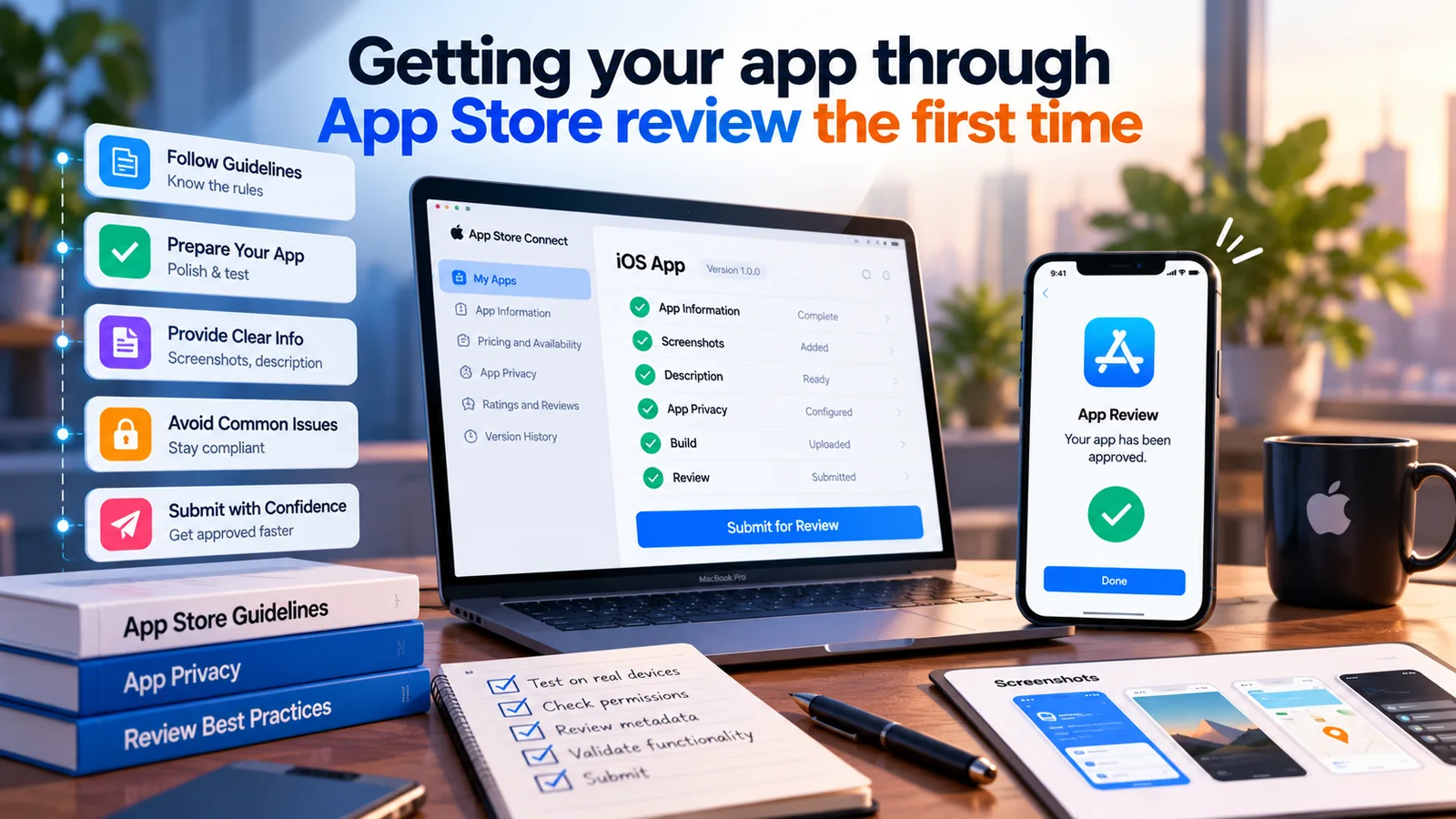
A rejection from App Store review does not cost much money, but it costs days — and it tends to arrive the week you promised a launch. Almost every rejection we have seen falls into a handful of categories that can be checked before you submit. This is the list we go through.
Play is more automated and generally faster, but has its own habits: a data-safety form that must be accurate, a target API level that must be recent, a published privacy policy URL, and — for new personal accounts — a closed test with a minimum number of testers before production is allowed. Business accounts avoid that last one, which is another reason to set the account up early and correctly.
We submit to both stores at the same time, with a phased or staged rollout so a problem on day one reaches a fraction of users rather than all of them. The first version goes out with a kill-switch for anything that talks to a backend we might need to change, and with crash reporting in place so we hear about problems before you do.
Plan for review to take a few days, and for one round of back-and-forth to be normal even when you do everything right. If you need the app live for a specific date — a trade show, a launch event — the first submission should go in at least two weeks before it. Everyone who has done this once agrees; everyone doing it for the first time thinks it is pessimistic until it isn’t.
More from the studio.
Most apps should be built once in Flutter. Some should not. Here is the short checklist we run through with every client before writing a line of code.
Talha Javed2 min readA generic chatbot and an AI trained on your business look the same in a demo. They behave very differently in month three. Here is what sits behind each, and when a simple chatbot is all you need.
Hourly billing moves the risk onto you. A fixed price moves it onto us, which is where it belongs. Here is what goes into ours, what is excluded, and how changes are handled without drama.
A free 30-minute call with a senior engineer. You leave with a plan and a price range, whether or not you hire us.